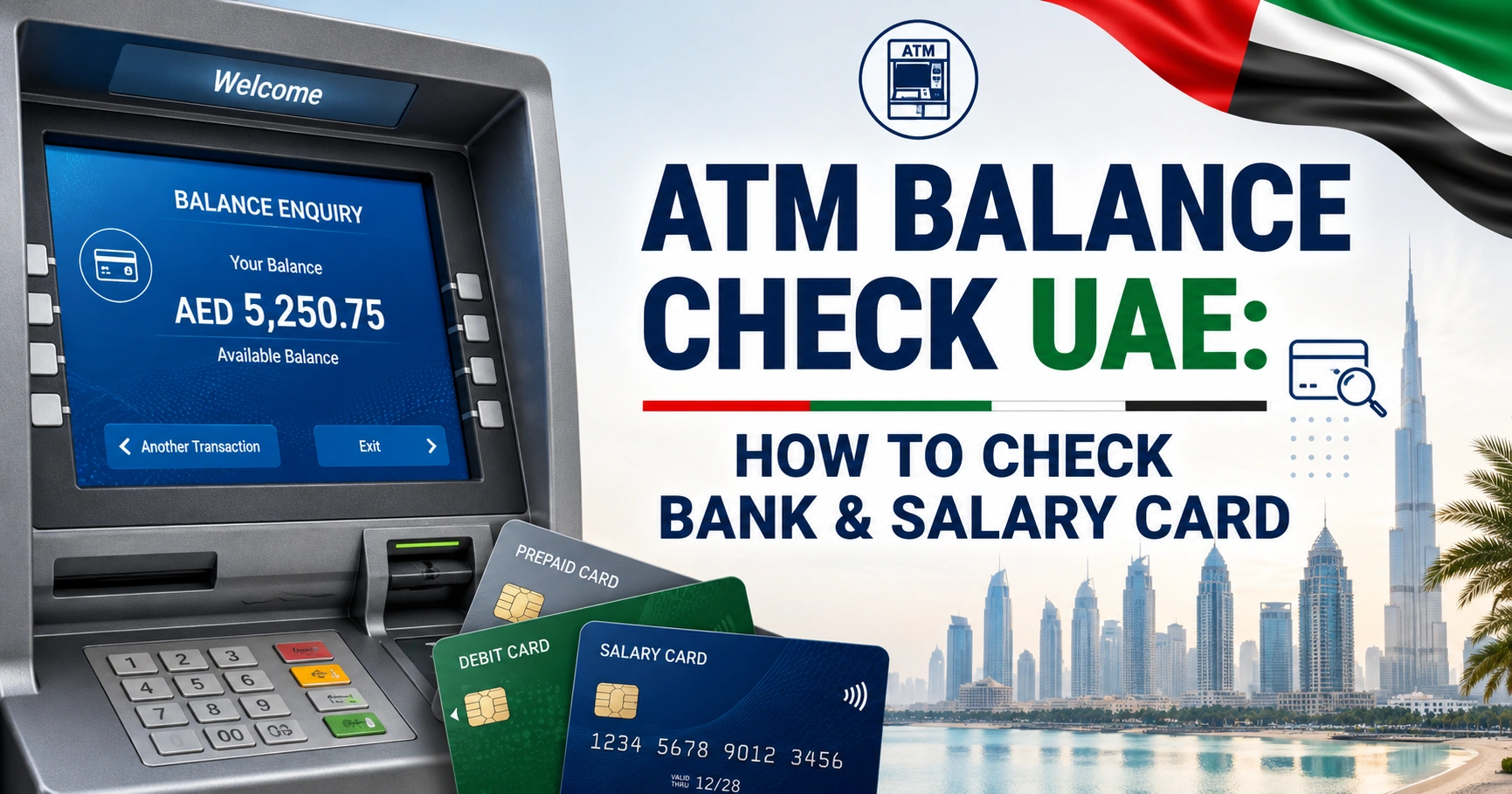
ATM Balance Check UAE: How to Check Bank & Salary Card
An ATM balance check in the UAE lets you see the available balance on a supported debit, prepaid or salary card without using mobile banking or visiting a branch.
There is no single UAE website that checks the balance of every ATM card. For a normal bank debit card, use your issuing bank’s ATM, mobile app or online banking. Salary and prepaid cards may have their own official balance enquiry portals or apps.
How to Check Your Balance at an ATM
For most UAE bank cards, the process is straightforward:
- Go to an ATM operated by your bank where possible.
- Insert your card or use contactless access if the machine and card support it.
- Select English or Arabic.
- Enter your card PIN while covering the keypad.
- Select Balance Enquiry, Balance Inquiry or a similar option.
- Choose the relevant account if the card is linked to more than one account.
- View the balance on screen or request a printed receipt if available.
- Complete the transaction and take your card before leaving.
You normally need only your physical card and PIN. An internet connection, Emirates ID and mobile banking login are not required for a standard ATM enquiry.
Using an ATM belonging to your own bank is usually the simplest option because third-party ATM charges may apply.
Quick ATM Balance Check Options in the UAE
| Method | Best for | Internet needed | Possible fee |
|---|---|---|---|
| Your own bank’s ATM | Regular debit cards | No | Often free |
| Another UAE bank’s ATM | Debit cards using UAE Switch | No | May apply |
| Bank mobile app | Bank account holders | Yes | Usually free |
| Online banking | Bank account holders | Yes | Usually free |
| Official prepaid card portal | Some salary/prepaid cards | Yes | Usually free |
| Salary card app | Supported WPS cards | Yes | Depends on provider |
ATM availability and charges depend on the card issuer and the particular account or salary-card programme.
Is ATM Balance Enquiry Free in the UAE?
Checking your balance at an ATM operated by your own bank is commonly free for standard UAE bank accounts, although your bank’s current schedule of charges should always be treated as authoritative.
Using another bank’s ATM can be different.
Several UAE banks currently publish a charge of AED 1.05 per balance enquiry for transactions performed through another UAE bank’s ATM using the UAE Switch network. This is not a universal fee for every account or card.
For example, some premium banking packages waive third-party ATM charges, while salary and prepaid cards may use completely different pricing.
If avoiding fees matters, check the balance through your issuing bank’s ATM or official mobile banking service.
Your Bank’s ATM vs Another Bank’s ATM
UAE Switch connects participating financial institutions and enables customers to perform supported transactions through ATMs belonging to other banks.
This means a debit card issued by one UAE bank can often be used at another participating bank’s ATM.
The main difference is cost.
Using your own bank’s ATM
This is generally the preferred option because:
- balance enquiries are commonly free
- the machine is more likely to support all functions for your card
- account selection is usually clearer
- mini statements may be available
- resolving a retained card can be easier
For example, FAB customers can use the official FAB branch and ATM locator to find a nearby machine.
Using another UAE bank’s ATM
A third-party ATM can be useful when your bank does not have a machine nearby.
However, the card issuer may charge for the enquiry. Some ATM functions may also be limited compared with your own bank’s network.
Check your bank’s latest schedule of charges before making frequent balance enquiries from another bank’s ATM.
What Balance Does an ATM Show?
An ATM normally shows the balance supplied by your card issuer at the time of the enquiry. Depending on the bank or card, this may be described as the available balance, account balance or simply balance.
The available balance is normally the more useful figure when deciding how much money you can spend or withdraw because it can take certain holds and pending transactions into account.
Your displayed balance may therefore differ from what you expected after:
- a recent card purchase
- a cash withdrawal
- a pending transaction
- a hotel or car-rental deposit
- a recently deposited cheque
- a reversed or refunded payment
- a salary credit still being processed
For prepaid cards, the provider’s terms may specifically warn that an ATM receipt is not necessarily a final account statement because pending transactions can affect the amount available.
ATM Balance Check for UAE Salary Cards
Salary cards issued under payroll or Wages Protection System arrangements should not automatically be treated like normal bank debit cards.
Some work at a wide range of ATMs, while others have restrictions or separate balance enquiry channels.
If your employer pays your salary onto a payroll card, first identify the card provider printed on the front or back of the card.
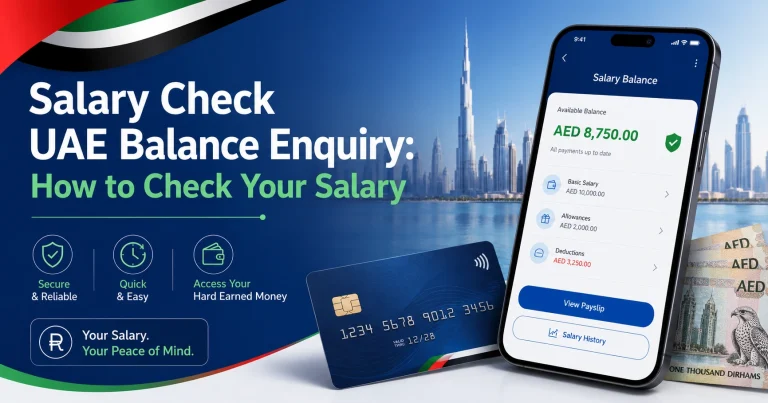
For a wider explanation of different payroll cards and enquiry methods, see the salary check uae balance enquiry guide.
Ratibi Card
FAB’s Ratibi card is a prepaid payroll card designed for eligible employees who receive their salary without needing a conventional bank account.
FAB provides an official online balance enquiry option for Ratibi cardholders in addition to ATM access.
Visit the official FAB Ratibi card page and use the balance enquiry option provided for existing cardholders.
For the complete procedure, including online and alternative methods, see the ratibi card salary check guide.
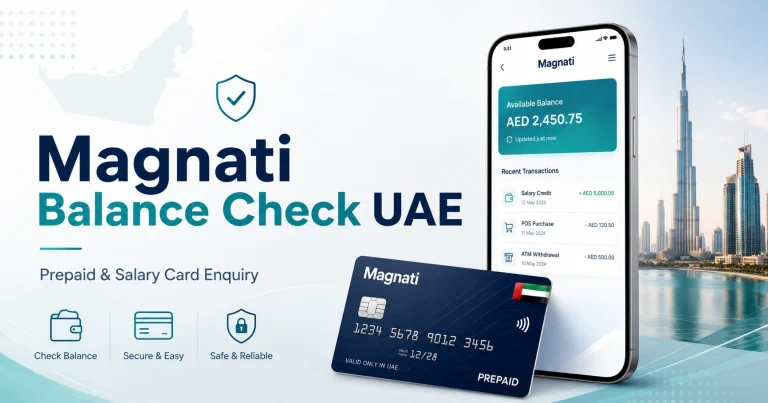
Magnati Prepaid Cards
Some FAB-related prepaid and payroll cards use Magnati’s prepaid card system rather than standard FAB online banking.
The official Magnati Prepaid Card Inquiry portal currently asks for:
- the last four digits of the card number
- Card ID
- the displayed CAPTCHA
This can be more convenient than visiting an ATM when your particular prepaid card is supported.
The magnati balance check guide explains how to identify the correct card details and use the official enquiry service.
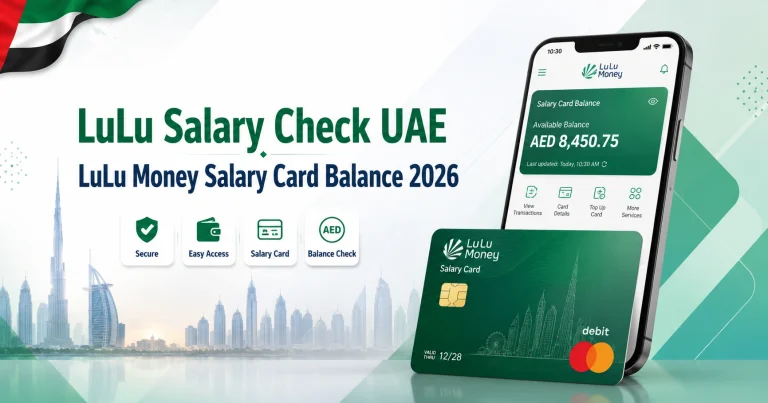
LuLu Salary Cards
LuLu Exchange operates several salary-card arrangements, so ATM charges and supported channels depend on the card issued to you.
Its current WPS information includes MyPay: MyCard, LuLu Money Card and Huru Card arrangements. LuLu’s published card charges show that ATM balance enquiries can carry a fee for some products.
LuLu also provides digital card management through its salary-card services, reducing the need to make repeated ATM enquiries.
You can learn about the available methods in the lulu salary check guide or review the official LuLu Exchange salary administration service.
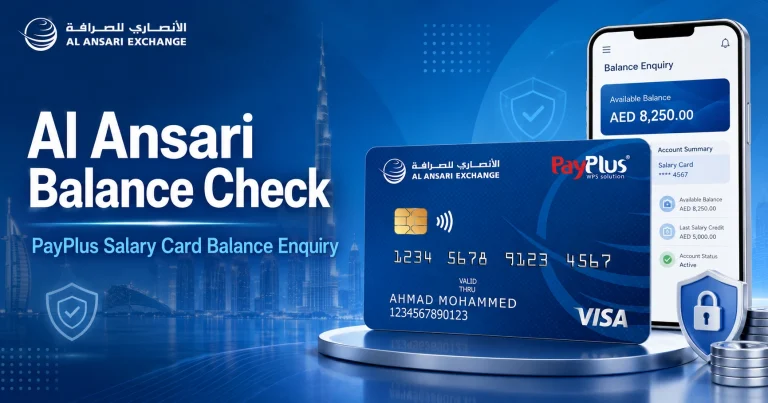
Al Ansari PayPlus
Al Ansari Exchange’s PayPlus is a Visa-powered payroll card. According to Al Ansari Exchange, PayPlus cardholders can withdraw cash from Visa network ATMs, while balance enquiries are also available through the Al Ansari Exchange app, branches and call centre.
Because ATM enquiries can involve charges, the provider’s own digital or branch channels may be preferable when you only need to see the balance.
See the official Al Ansari Exchange PayPlus information or the al ansari balance check guide for the different enquiry options.
FAB and Former NBAD Customers
National Bank of Abu Dhabi and First Gulf Bank merged to form First Abu Dhabi Bank in 2017. Former NBAD customers should therefore use current FAB channels rather than searching for a separate active NBAD ATM network.
For a normal FAB bank account, the easiest options are FAB ATMs, FAB Mobile or FAB online banking.
See fab bank balance check for current FAB account methods.
If you are specifically searching for an old NBAD balance service or have an older card or account reference, the nbad bank balance check guide explains the relationship between NBAD and today’s FAB services.
Can You Check an ATM Card Balance Online?
Yes, but an ATM card itself does not have a universal online balance checker.
For a conventional debit card, your balance belongs to the bank account linked to that card. You therefore need to use the official mobile banking app or online banking service provided by your bank.
For example, FAB states that customers can check their balances and manage accounts through FAB Mobile.
Prepaid and salary cards work differently. Some have dedicated enquiry portals, such as the Magnati prepaid card portal, while others rely on a mobile app, ATM, call centre or branch.
Never enter a full card number, PIN or OTP into a website simply because it claims to offer a general “ATM balance checker.”
What to Do If the ATM Does Not Show Your Balance
A failed balance enquiry does not necessarily mean there is a problem with the money in your account.
Try the following checks.
Use your card issuer’s ATM
Another bank’s machine may not support every feature available on your card. Try an ATM belonging to the issuing bank or card provider.
Confirm the card is active
New, expired, blocked or replaced cards may not work normally at an ATM.
If you recently received a replacement card, make sure it has been activated using the method provided by your bank.
Check that the PIN is correct
Repeated incorrect PIN attempts may cause the card to become temporarily blocked or retained.
Do not continue guessing the PIN. Use your bank’s official PIN recovery or reset process.
Check the account through the official app
If the ATM transaction fails but mobile banking works, check whether the account itself is accessible and whether the card has restrictions.
Look for a service interruption
An ATM or banking network can temporarily be unavailable even when your account is functioning normally. Trying another official ATM later may resolve the issue.
Contact the card issuer
Use the telephone number printed on the back of the card or the contact details shown on the provider’s official website.
This is particularly important for salary cards because support may be provided by an exchange house, payroll company or prepaid card issuer rather than a traditional retail-bank branch.
ATM Says Insufficient Funds but My Balance Looks Higher
A displayed account balance and the amount available for withdrawal are not always identical.
Your withdrawable amount may be lower because of:
- pending debit-card payments
- authorization holds
- cash withdrawal limits
- card-specific transaction limits
- uncleared deposits
- minimum available-balance restrictions
- ATM denomination limits
- fees associated with the attempted transaction
For example, having AED 1,000 visible in an account does not automatically mean an ATM will approve a withdrawal of the entire AED 1,000.
Check the available balance and your card’s daily ATM withdrawal limit through the issuing bank.
Balance Enquiry vs Mini Statement
These two ATM functions provide different information.
Balance Enquiry normally shows how much money is available in the account or card.
A Mini Statement normally displays a small number of recent transactions as well as account information. The number of transactions displayed depends on the bank and ATM.
If you only need to know how much money is available, a balance enquiry is enough. Use online or mobile banking when you need detailed transaction history.
Is It Safe to Check Your Balance at an ATM?
ATM balance checks are generally secure when performed through legitimate machines, but basic precautions remain important.
Use an ATM in a bank branch, shopping centre or another well-monitored location where possible.
When entering your PIN:
- cover the keypad with your hand
- never allow another person to enter the PIN for you
- inspect the card slot for anything unusual
- do not accept assistance from strangers
- cancel the transaction if the ATM behaves unexpectedly
- take your card and receipt before walking away
Your bank will not need your ATM PIN to investigate a balance enquiry.
Never disclose your PIN or OTP to someone claiming that they need it to “verify” your balance.
Avoid Unofficial ATM Balance Checker Websites
A legitimate website cannot check every UAE bank or salary-card balance simply from a card number.
If a site asks you to enter sensitive banking details while claiming to provide a universal ATM balance check, do not proceed.
For financial information, use:
- your issuing bank’s ATM
- the official bank website
- the official banking app
- the card provider’s verified portal
- the customer-service number printed on your card
Salary-card users should be especially careful because search results may contain unofficial pages that provide information but cannot access the actual card balance.
An informational guide and an official card enquiry portal are not the same thing.
Frequently Asked Questions
How do I check my ATM balance in the UAE?
Insert your card into your bank’s ATM, enter the PIN and choose Balance Enquiry or Balance Inquiry. The available balance should appear on screen, and some ATMs also allow you to print it.
Can I check my balance at any ATM in the UAE?
Many UAE debit cards can perform balance enquiries through other banks’ ATMs using the UAE Switch network. However, support depends on the card, and your bank may charge a fee. Salary and prepaid cards can have additional restrictions.
How much does an ATM balance check cost?
Your own bank’s ATM is commonly free. Several UAE banks publish an AED 1.05 balance-enquiry charge for certain transactions performed at another UAE bank’s ATM, but fees vary by bank, account package and card type.
Can I check an ATM Card balance without a PIN?
A standard ATM balance enquiry normally requires your card PIN. If you do not know the PIN, use your bank’s official mobile or online banking service instead of repeatedly entering incorrect numbers.
Can I check my UAE bank balance online using only my card number?
There is no universal UAE service that checks all bank balances from a card number. Regular bank customers should use their bank’s official digital banking service. Certain prepaid cards have separate official enquiry portals with their own verification requirements.
Can I check a salary card balance at an ATM?
Many salary cards support ATM enquiries, but not all payroll cards work in the same way. Check the issuing provider’s official instructions because ATM availability, eligible networks and enquiry charges vary between Ratibi, LuLu, Al Ansari and other WPS cards.
Why is my ATM Card balance different from my mobile banking balance?
Pending purchases, blocked amounts, authorization holds and transactions that have not fully settled can cause differences. Check the available balance and recent transactions in your bank’s official app for a clearer breakdown.
Does checking the balance withdraw any money?
A balance enquiry itself does not withdraw cash. However, the issuing bank or prepaid-card provider may charge a balance-enquiry fee when another bank’s ATM or a particular salary-card network is used.