LuLu Salary Check UAE: LuLu Money Salary Card Balance 2026
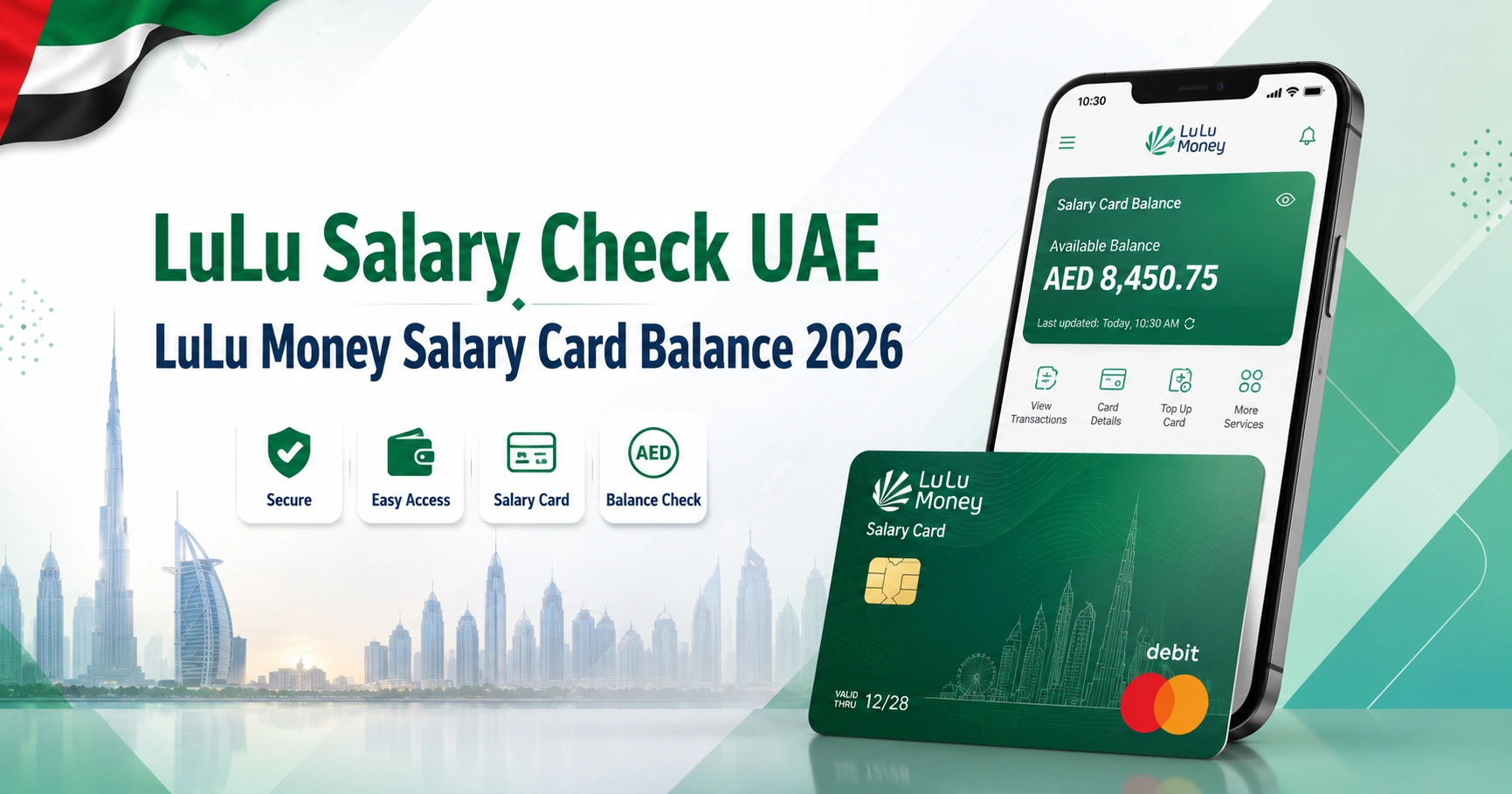
For a LuLu salary check in the UAE, the official method is the LuLu Money app. Open My Cards, select your salary card, and the available balance appears on the card screen.
LuLu Exchange also allows eligible cardholders to review transactions and manage several card functions through the app.
LuLu Exchange currently lists several Wages Protection System salary-card products, including MyPay: MyCard, LuLu Money Card, and Huru Card. The correct balance-check method can therefore depend on the name and issuer shown on your physical card.
How to Check Your LuLu Salary Card Balance Online
For the LuLu Money Salary Card, use the official mobile application rather than entering your card information into an unofficial balance-check website.
Follow these steps:
- Open the LuLu Money app on your phone.
- Sign in to the account connected with your salary card.
- From the home screen, select Money Cards.
- Alternatively, open More and choose My Cards.
- Select your LuLu Money Salary Card.
- Look at the virtual card shown near the top of the My Card page.
- Your available balance will be displayed there.
These steps match LuLu Money’s current UAE FAQ instructions for checking the Card balance.
You can access the official application through Google Play or the Apple App Store. The listings identify the app as being provided by LuLu Exchange.
LuLu Salary Check at a Glance
| Method | Suitable for | What you need | Cost |
|---|---|---|---|
| LuLu Money app | LuLu Money Salary Card | Registered app account and linked card | No ATM enquiry fee |
| ATM balance enquiry | Supported salary cards | Physical card and PIN | May cost AED 2 depending on card |
| LuLu Exchange support | Account or card problems | Card/account details for verification | Contact channel itself is available 24/7 |
| Employer/HR | Salary not yet credited | Employee/payroll details | No card balance enquiry |
LuLu Exchange’s May 2026 WPS Key Facts Statement lists a AED 2 ATM balance-enquiry charge for its salary-card products, with an exception for MyPay: MyCard where the initial two transactions at FAB ATMs each month are exempt from the stated fee. Fees shown in the Key Facts Statement exclude VAT and can be updated, so check the current terms attached to your card before relying on an ATM for frequent enquiries.
Check LuLu Salary and Transaction History in the App
The balance tells you how much is currently available, but the transaction history is more useful when you need to confirm whether your employer’s salary payment has actually reached the card.
In the LuLu Money app:
- Open My Cards.
- Select Transaction History, or choose View All under Card Transactions.
- Review the relevant credit transactions.
- Use the available date or transaction filters when necessary.
LuLu Money states that the transaction history can be filtered by current day, current week, current month, a custom period and different transaction types, including credit transactions.
A salary credit should normally appear as a credit transaction. This makes the history useful for distinguishing between “salary has not arrived” and “salary arrived but part of the balance has already been spent.”
Is There an Official LuLu Salary Check Website?
For LuLu Money Salary Card balance enquiries, LuLu’s current official UAE instructions specifically direct cardholders to its My Cards section. LuLu Exchange’s salary-administration page likewise describes the salary card as an app-first payroll product.
Be cautious with websites that display a form asking for a complete salary-card number, PIN, OTP or Emirates ID while presenting themselves as a “LuLu balance checker”. Unless the service is clearly hosted or authorized by LuLu Exchange, do not enter confidential card information.
The official website is available through the LuLu Exchange UAE website.
Which LuLu Salary Card Do You Have?
“LuLu salary card” does not refer to only one card.
LuLu Exchange’s current WPS Key Facts Statement lists three salary-card categories:
- MyPay: MyCard
- LuLu Money Card
- Huru Card
The Money Card is the product most directly integrated with the LuLu Money application. MyPay: MyCard is another WPS payroll solution, while Huru Card has its own product setup.
Check the branding printed on your card before following instructions found online. Using instructions intended for another payroll card is a common reason a balance enquiry does not work.
If your employer uses another UAE payroll provider, the process can be different. The salary check UAE balance enquiry guide explains how to identify the appropriate balance method for different salary cards.
How to Check LuLu Salary Balance at an ATM
An ATM is useful if you cannot access the LuLu Money app or if your salary-card version supports ATM enquiries.
The general process is:
- Use an ATM compatible with your card.
- Insert the salary card.
- Enter your PIN privately.
- Select Balance Enquiry or the equivalent option.
- View the available balance.
- End the ATM session and collect your card.
LuLu Exchange’s current WPS Key Facts Statement lists ATM balance enquiries for MyPay: MyCard, LuLu Money Card and Huru Card at AED 2, subject to the specific MyPay/FAB exemption noted earlier.
If you frequently use ATMs for different UAE bank or payroll cards, this atm balance check guide explains the differences between a normal bank-account balance enquiry and a salary-card enquiry.
What Else Can You Do With the LuLu Money Salary Card App?
The app is more than a salary balance screen. LuLu Exchange says its Money Salary Card integration supports functions such as:
- Viewing transaction history
- Managing the card
- Setting usage limits
- Resetting the card PIN
- Blocking or replacing a card
- Sending money through LuLu Money
The salary card is designed as an app-first WPS product, allowing employees to manage much of their card activity without relying solely on cash withdrawals.
LuLu Salary Not Showing? Check These First
A zero or unchanged balance does not automatically mean there is a problem with the salary card.
Check the transaction history
Look for a recent credit in My Cards → Transaction History. If the salary appears there, compare it with later withdrawals, purchases, remittances or other debits.
Confirm payroll with your employer
If there is no salary credit at all, ask your employer or HR department whether the payroll was submitted.
LuLu Exchange processes employer salary files through its WPS salary-administration infrastructure. The employee card can only display funds once the relevant salary payment has been processed and credited.
Check that you are using the right card
Do not assume every LuLu-branded or payroll-related card uses identical balance channels. Look for LuLu Money Card, MyPay: MyCard or Huru Card on the card or associated documentation.
Contact LuLu Exchange
If your employer confirms that salary was processed but it still does not appear, contact LuLu Exchange rather than repeatedly attempting unofficial balance websites.
LuLu Exchange currently lists:
- Customer service: 600 522 204
- Email: [email protected]
- Availability: 24 hours, all days
These details are published on LuLu Exchange’s official UAE complaints and feedback page.
You can also use the official LuLu Exchange contact page.
LuLu Money Salary Card vs MyPay: MyCard
The distinction matters because search results often use “LuLu salary card,” “LuLu Money Card” and “MyPay MyCard” as though they are exactly the same product.
| Feature | LuLu Money Card | MyPay: MyCard |
|---|---|---|
| WPS salary product | Yes | Yes |
| Listed by LuLu Exchange | Yes | Yes |
| Card partner shown in current KFS | Mercury | FAB Mastercard |
| App-based card services | LuLu Money app | Depends on applicable card setup |
| ATM balance enquiry listed | Yes | Yes |
| Current listed ATM balance-enquiry charge | AED 2 | AED 2, with stated FAB ATM exemption for initial two transactions/month |
The current WPS Key Facts Statement identifies the LuLu Money Card with Mercury and MyPay: MyCard with FAB Mastercard.
If your card is actually a FAB payroll product rather than a LuLu Money Card, the fab bank balance check guide may be more relevant. For cards associated with the old NBAD/FAB ecosystem, see the nbad bank balance check explanation before using a balance portal intended for another product.
LuLu Salary Card vs Other UAE WPS Cards
Employers across the UAE can use different WPS payroll providers. A balance method that works for one provider should not automatically be tried with another.
For example, a FAB Ratibi card follows a different process from a LuLu Money Salary Card. Employees using that product can refer to the ratibi card salary check guide.
Likewise, Al Ansari salary-card customers should follow the provider-specific instructions covered in the al ansari balance check guide rather than entering their card information into a LuLu service.
Is LuLu Money Salary Card Part of UAE WPS?
Yes. LuLu Exchange describes its salary administration services as compliant with the UAE Wages Protection System, and its current Key Facts Statement identifies the relevant payroll products as WPS salary cards. LuLu International Exchange LLC also states that it is licensed by the Central Bank of the UAE.
WPS is concerned with the payment of employee wages. The balance showing in your salary-card app is the money currently available on the card after relevant credits and debits, not a separate government salary-status record.
Keep Your LuLu Salary Card Details Secure
Use the official LuLu Money app or another verified LuLu Exchange channel whenever you need to access card information.
Do not share:
- Your card PIN
- One-time passwords
- Full card details with unknown callers
- Login credentials
- Emirates ID information through suspicious links
LuLu Exchange specifically warns customers not to disclose OTPs and other sensitive financial information to unknown callers or suspicious services. It advises customers who suspect fraud to contact the company through official channels.
If your card is lost or stolen, take action promptly. LuLu Exchange’s WPS documentation warns cardholders to report lost or stolen cards and unauthorized transactions without delay.
Frequently Asked Questions
How do I check my LuLu salary balance?
For a Money Salary Card, sign in to the LuLu Money app, open My Cards, and select the card. The available balance appears on the My Card screen.
Can I check my LuLu card balance without an ATM?
Yes. Money Salary Card holders can check their available balance through the LuLu Money app, so an ATM is not required. The app is generally the better option if you only need to see the balance because ATM balance enquiries may carry a fee.
How can I tell if my salary has been credited?
Open the card’s transaction history in the LuLu Money app and look for the relevant credit transaction. The app provides transaction filters that can help you review activity for a particular day, week, month or custom period.
Does LuLu charge for an ATM balance enquiry?
LuLu Exchange’s May 2026 WPS Key Facts Statement lists a AED 2 balance-enquiry fee at ATMs for its listed salary cards. For MyPay: MyCard, the statement says the initial two transactions at FAB ATMs each month are exempt from fees. Current terms should be checked because charges can change.
What is the LuLu Exchange customer service number in the UAE?
The official LuLu Exchange UAE customer-service hotline is 600 522 204. LuLu Exchange currently lists the service as available 24 hours a day, all days.
Why is my LuLu salary balance still zero?
First check the card’s transaction history and confirm with your employer that payroll was submitted. If the employer confirms payment but no corresponding credit appears, contact LuLu Exchange through its official customer-service channels rather than entering your card details into an unofficial checker.
Can I use the LuLu Money app on Android and iPhone?
Yes. The official LuLu Money application is currently available from both Google Play and Apple’s App Store. The app listings identify LuLu International Exchange as the provider or developer.