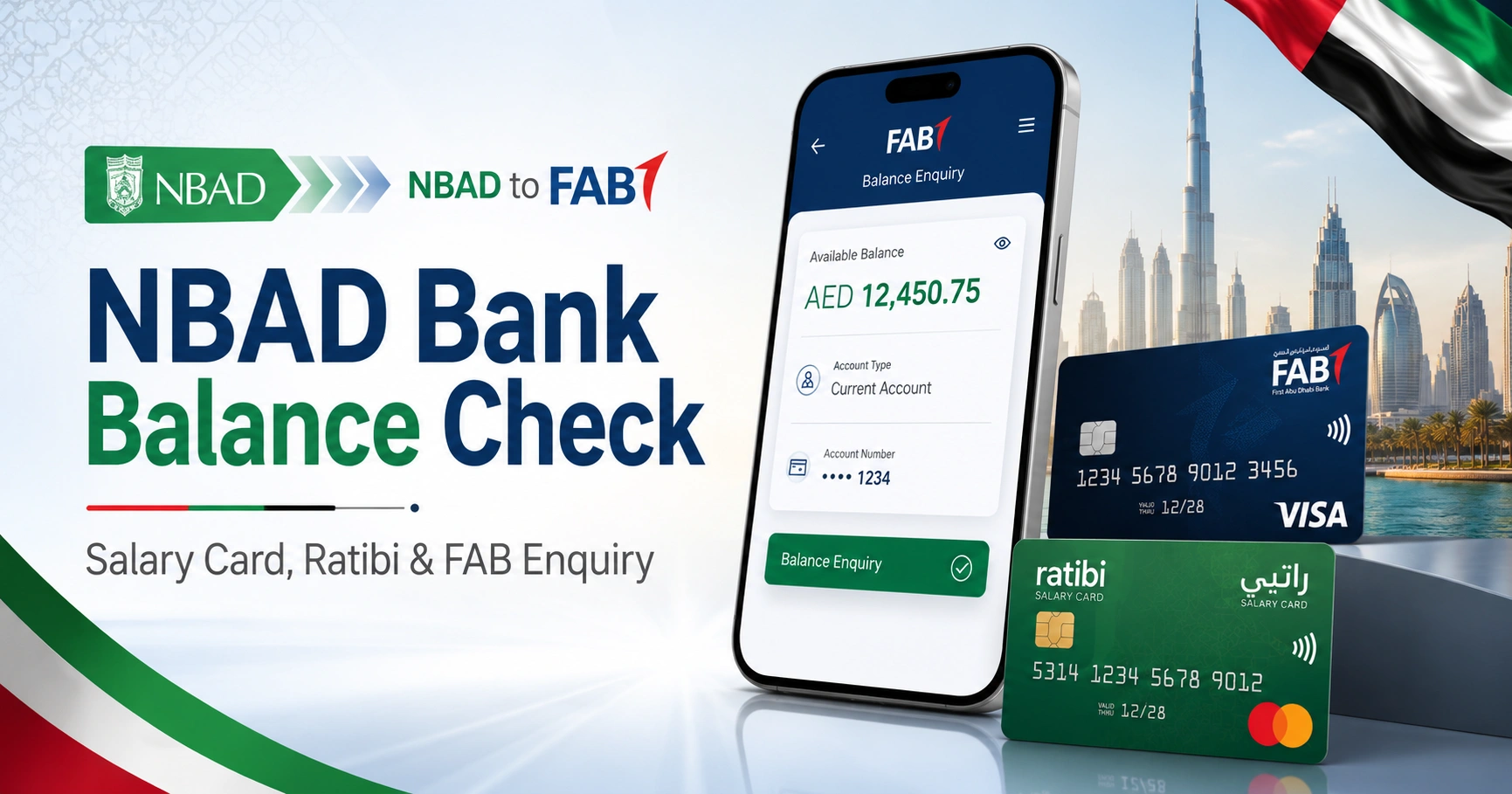
NBAD Bank Balance Check: Salary Card, Ratibi & FAB Enquiry
If you are searching for an NBAD bank balance check, the first thing to know is that National Bank of Abu Dhabi no longer operates as a separate UAE bank. NBAD merged with First Gulf Bank in 2017, and the combined bank now operates as First Abu Dhabi Bank (FAB).
For a former NBAD bank account, check your balance through FAB Mobile or FAB Online Banking. If you have an NBAD/FAB prepaid or salary card instead of a normal bank account, the correct option may be the official Prepaid Cards Enquiry portal operated through Magnati.
The method depends on what type of account or card you hold.
| What you have | Best balance-check method |
|---|---|
| Former NBAD current or savings account | FAB Mobile or FAB Online Banking |
| FAB debit card linked to a bank account | FAB Mobile, Online Banking or FAB ATM |
| FAB/NBAD prepaid card | Official Prepaid Cards Enquiry portal |
| Ratibi salary card | Ratibi/FAB-supported balance enquiry channels |
| Unsure which product you have | Check the card branding or contact FAB |
What Happened to NBAD?
National Bank of Abu Dhabi and First Gulf Bank completed their merger in 2017. The new bank was named First Abu Dhabi Bank, commonly abbreviated as FAB.
This means there is no separate modern NBAD internet banking system that ordinary UAE customers should use for their old accounts. Former NBAD banking relationships were migrated into FAB’s banking infrastructure.
If your account originally belonged to NBAD, the current official FAB website is the appropriate starting point.
For a broader explanation of current FAB account enquiry options, see our fab bank balance check guide.
How to Check an NBAD Bank Account Balance Online
For a normal current or savings account originally opened with NBAD, FAB’s current digital banking services provide the most direct balance enquiry methods.
Method 1: Check Through FAB Mobile
FAB Mobile is usually the simplest option if your former NBAD account is now maintained as a FAB account.
- Download or open the official FAB Mobile app.
- Sign in to your registered account.
- Open the accounts section or home screen.
- Select the account you want to view.
- Your available balance and recent transactions should appear on the account screen.
FAB states that its mobile banking service lets customers view account balances and transaction information.
The official application is available from:
Check that the app publisher is First Abu Dhabi Bank before installing it.
Registering for FAB Mobile
Existing customers may need their customer number, debit card number or credit card number when setting up the application.
FAB’s current registration process can also involve Emirates ID verification and identity authentication. Follow the instructions shown inside the official app rather than entering banking credentials into third-party applications or websites.
Method 2: Use FAB Online Banking
Former NBAD customers who have active FAB digital banking access can also use the official FAB Online Banking portal.
To check your balance:
- Open FAB Online Banking.
- Enter your registered username and password.
- Complete any required authentication.
- Open the relevant account.
- Review the displayed balance and transaction information.
FAB has increasingly integrated its online banking authentication with FAB Mobile, so you may be asked to approve certain login or banking activities through the mobile app.
Do not search for an old NBAD login page and enter your credentials on an unfamiliar website. Use FAB’s current official banking channels.
NBAD Prepaid Card Balance Check
A major source of confusion around the term “NBAD balance check” is that many people are not actually looking for a normal bank-account balance. They have a prepaid, payroll or payment card that was historically associated with NBAD or FAB.
FAB currently provides an official online balance enquiry option for supported prepaid payment cards.
Check a Prepaid Card Through the Official Portal
Go to the official Prepaid Cards Enquiry portal.
The page currently asks for:
- The last four digits of the card number
- The Card ID
- The displayed captcha
- Select Go to continue
Use the details printed on or associated with your own card. The portal should then process the prepaid card enquiry if the card is supported.
This service is intended for eligible prepaid cards. It is not a replacement for FAB Online Banking for an ordinary current or savings account.
For additional information about this particular portal and supported cards, see our magnati balance check guide.
Where Is the Card ID?
The prepaid enquiry page requires a Card ID in addition to the last four digits of the card number.
Do not assume that the Card ID is your full 16-digit card number, account number, IBAN or Emirates ID number. Use the identifier associated with the prepaid card.
If you cannot identify it or the information on your card has worn off, contact FAB or the relevant card programme rather than repeatedly entering random numbers.
Can You Check an NBAD Balance at an ATM?
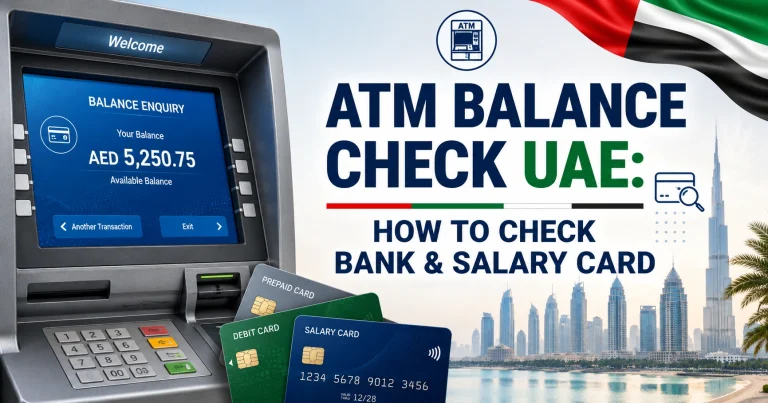
For a debit card linked to a migrated NBAD/FAB bank account, an FAB ATM can provide another practical way to check the available balance.
The general process is:
- Insert or tap your supported FAB debit card.
- Enter your PIN privately.
- Select the balance enquiry option.
- Choose the relevant account if prompted.
- View the balance on screen or obtain a receipt where offered.
ATM availability and options can vary by machine. For more detail on how UAE ATM enquiries work, see atm balance check.
Never allow another person to enter your PIN on your behalf.
NBAD Bank Account vs Prepaid Card: Which Method Should You Use?
Using the wrong enquiry system is one of the most common problems with old NBAD searches.
You probably need FAB Mobile or Online Banking if:
- You have a current or savings account
- Your card is a debit card linked to that account
- You receive bank statements from FAB
- You have an IBAN and normal personal banking relationship with FAB
You may need the prepaid enquiry portal if:
- Your card is specifically a prepaid or payment card
- Your employer or organisation provided the card
- The card has a separate Card ID
- You do not use it as a conventional FAB current or savings account
A prepaid card enquiry page should not be used simply because you once banked with NBAD.
What About NBAD Salary Cards?
Some searches for NBAD balance enquiry relate to payroll cards rather than standard bank accounts. FAB continues to support several prepaid and payroll-related products, but the correct balance-check channel depends on the specific card.
For example, Ratibi is a payroll-related FAB product with its own support arrangements. If that is the card you hold, follow the instructions in our ratibi card salary check guide instead of treating it as an ordinary FAB bank account.
Employees who are unsure which payroll provider issued their card can also use our salary check uae balance enquiry guide to identify the appropriate route.
Why Is My NBAD Balance Enquiry Not Working?
The cause usually depends on the method being used.
You are trying to use an old NBAD service
NBAD is now part of FAB. Use FAB’s current website, mobile banking or supported prepaid-card services rather than relying on outdated NBAD pages.
The prepaid portal rejects your details
Check that:
- You entered only the requested last four card digits
- The Card ID is correct
- The captcha was entered accurately
- The card is actually supported by the prepaid enquiry service
If the card belongs to another payroll provider, the FAB prepaid portal may not be the correct service.
FAB Mobile will not open or log in
First check that the application is updated to the latest available version. FAB’s official support guidance also recommends trying again later if a temporary maintenance error appears.
FAB maintains a service status page where availability of services such as mobile banking and account balance viewing can be checked.
Your old mobile number is registered with the bank
Digital authentication may depend on your registered customer information. If your contact details have changed, use FAB’s official support channels to determine how they should be updated.
How to Contact FAB About an Old NBAD Account
If you cannot access a former NBAD account or are unsure which balance enquiry service applies, contact First Abu Dhabi Bank directly.
FAB lists the following personal banking contact numbers:
- Within the UAE: 600 52 5500
- Outside the UAE: +971 2 681 1511
You can also use the official FAB contact page to find current support options, branches and relevant specialist contact details.
For Ratibi specifically, FAB lists a separate UAE support number of 600 522298.
Is the PPC Magnati Portal Official?
Yes. FAB’s official website links customers with eligible payment prepaid cards to the Magnati-hosted prepaid card enquiry service at ppc.magnati.com.
The distinction matters because a search for “NBAD balance check” can produce numerous third-party websites that resemble balance-check tools.
For a financial enquiry, start from FAB’s website or use the official portal directly rather than entering card information into an unrelated website.
Protect Your Card and Banking Details
Balance-check searches are particularly attractive to phishing sites because visitors are already expecting to enter card information.
Before providing any details:
- Check that online banking is on the bankfab.com domain.
- For the prepaid enquiry service, verify that you are using ppc.magnati.com.
- Never share your banking password, PIN or authentication code with someone who calls or messages you unexpectedly.
- Do not give an OTP to anyone claiming they need it simply to tell you your balance.
- Avoid balance-check links sent through suspicious SMS, WhatsApp or email messages.
- If anything looks unusual, close the page and reach FAB through its official website.
A balance enquiry should never require you to disclose your ATM PIN to another person.
Frequently Asked Questions
Does NBAD still exist in the UAE?
NBAD no longer operates as a separate UAE bank. National Bank of Abu Dhabi merged with First Gulf Bank in 2017, and the combined institution operates as First Abu Dhabi Bank, or FAB.
How can I check my old NBAD account balance?
If the former NBAD account is now a standard FAB account, use FAB Mobile or FAB Online Banking. After signing in, select the relevant account to view its current balance and transactions.
What is the official NBAD prepaid balance check website?
Eligible FAB prepaid payment cards can use the official Prepaid Cards Enquiry service at ppc.magnati.com. The portal asks for the last four digits of the card number, Card ID and captcha.
Can I check an NBAD balance using only my card number?
Not through the current prepaid enquiry page. The official portal asks for the last four card digits and a Card ID, along with the captcha. Standard FAB bank-account customers should instead sign in through FAB Mobile or Online Banking.
Is NBAD Online Banking still available?
Customers should now use First Abu Dhabi Bank’s current digital banking services. FAB Online Banking and FAB Mobile are the relevant channels for ordinary migrated personal bank accounts.
Can I use FAB Mobile for an old NBAD account?
If your former NBAD account has been migrated and is maintained as a FAB account, FAB Mobile is the current bank application for accessing supported personal banking services, including balance viewing.
Why does NBAD balance check sometimes redirect to Magnati?
The Magnati portal relates to supported prepaid payment-card enquiries. It should not be confused with normal FAB current or savings account banking. FAB’s own prepaid-card information directs eligible cardholders to this portal for online balance enquiries.