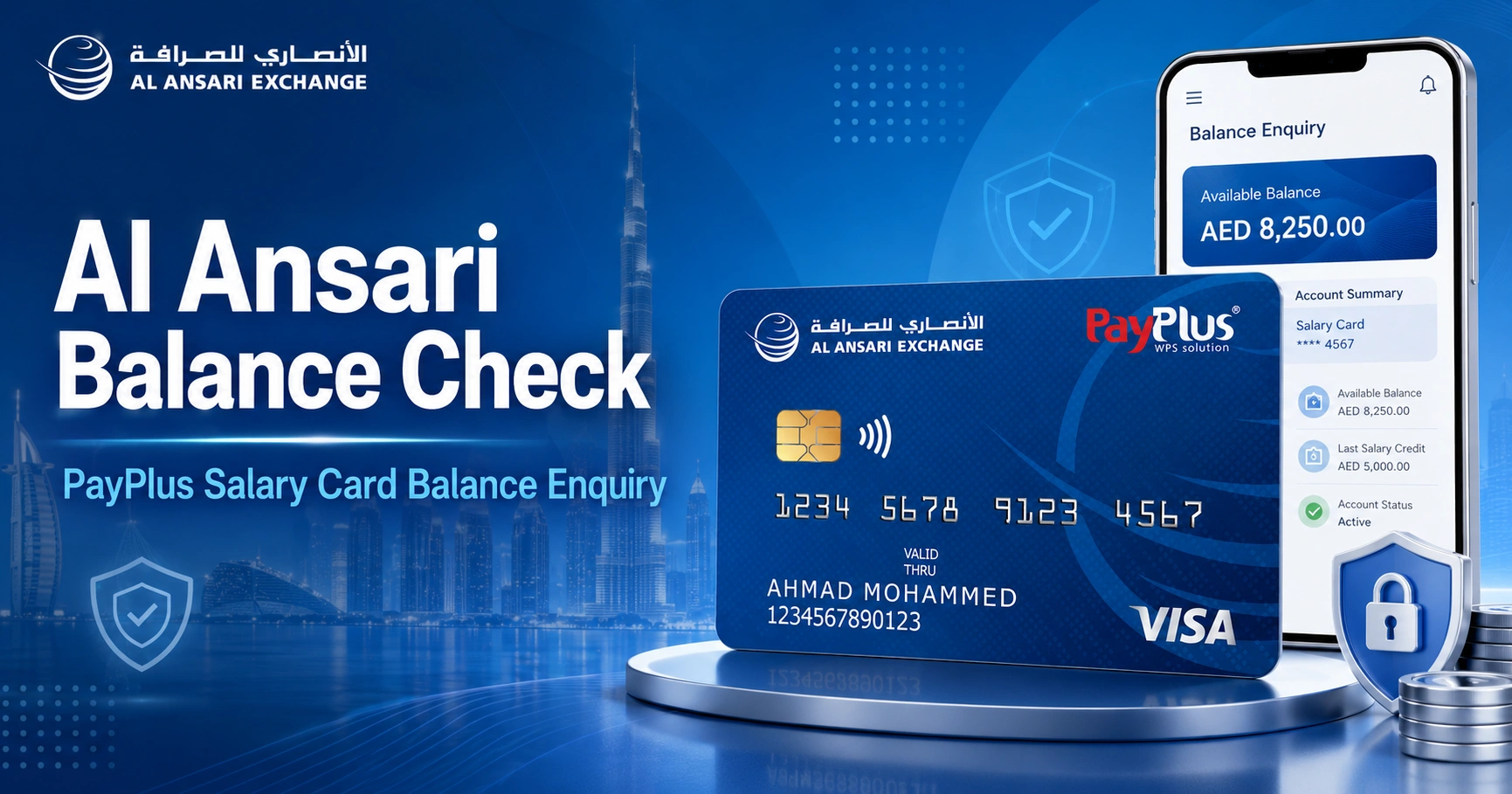
Al Ansari Balance Check: PayPlus Salary Card Balance Enquiry
If your salary is paid to an Al Ansari Exchange PayPlus Card, the simplest way to check the available balance is through the official Al Ansari Exchange mobile app. They also provide free PayPlus balance enquiries through its branches and call centre. A balance enquiry can also be made at supported ATMs, although ATM charges apply.
The PayPlus Card is a Visa payroll card issued by Al Ansari Exchange for salary payments under the UAE Wages Protection System (WPS). It is different from a normal bank account, so the correct balance-check method depends on the type of Al Ansari salary card you have.
How to Check Al Ansari Balance Online
For a PayPlus salary card, the official Al Ansari Exchange app is the most practical online method. They states that PayPlus cardholders can make free balance enquiries through the app.
Al Ansari Balance Check Through the Mobile App
- Download the official Al Ansari Exchange app from Google Play or the Apple App Store.
- Open the app and sign in to your Al Ansari Exchange account.
- Complete any required identity or OTP verification.
- Open the card-management area of the app.
- Select your PayPlus salary card.
- View the available balance shown for the card.
The app can also be used to manage supported Al Ansari Exchange prepaid cards and review card information and transactions.
Al Ansari Exchange currently identifies the mobile app, its branches and its call centre as free balance-enquiry channels for the PayPlus Card. Be cautious with websites claiming to offer a separate instant PayPlus balance checker if they are not linked or operated by Al Ansari Exchange.
Al Ansari Balance Check Methods at a Glance
| Method | PayPlus Card | Balance enquiry fee | What you need |
|---|---|---|---|
| Al Ansari Exchange app | Yes | Free | App access and registered account |
| Al Ansari Exchange branch | Yes | Free | Card and identification if requested |
| Al Ansari call centre | Yes | Free balance enquiry | Identity verification |
| UAE ATM | Supported at participating Visa ATMs | AED 2 + VAT | PayPlus Card and PIN |
| ATM in GCC countries | Supported where Visa is accepted | AED 3 + VAT | Card and PIN |
| ATM outside the GCC | Supported where Visa is accepted | AED 5 + VAT | Card and PIN |
ATM availability can depend on the machine and country. An ATM operator may also apply its own charges.
Check Your PayPlus Balance at an Al Ansari Exchange Branch
A branch is a useful alternative if you cannot sign in to the app, have changed your mobile number, or need help with the card.
Al Ansari Exchange officially provides free balance enquiries for PayPlus customers at its branches.
To make an enquiry:
- Visit a nearby Al Ansari Exchange branch.
- Take your PayPlus Card with you.
- Carry your Emirates ID or another identification document in case verification is required.
- Ask for a PayPlus Card balance enquiry.
- Complete the identity checks requested by the branch employee.
Branch opening hours differ by location, so check the official branch finder before travelling.
Cash withdrawals from a PayPlus Card at Al Ansari Exchange branches are also listed as free by Al Ansari Exchange.
How to Check Al Ansari PayPlus Balance at an ATM
The PayPlus Card operates on the Visa network. This means it can be used at supported Visa ATMs in the UAE and internationally.
To check the balance:
- Insert your PayPlus Card into an ATM displaying the Visa logo.
- Select your preferred language.
- Enter your PIN privately.
- Choose Balance Inquiry or Balance Enquiry.
- Review the amount displayed.
- Take your card and receipt before leaving the ATM.
Not every ATM provides the same functions for prepaid payroll cards. If the balance-enquiry option does not appear, use another compatible ATM or check through the official Al Ansari Exchange app.
For a broader explanation of ATM charges, card compatibility and balance-enquiry options in the UAE, see this atm balance check guide.
PayPlus ATM Balance Enquiry Fees
According to the current Al Ansari Exchange PayPlus Card terms, the following charges apply:
| ATM balance enquiry | Al Ansari PayPlus charge |
|---|---|
| Within the UAE | AED 2 + VAT per enquiry |
| GCC country outside the UAE | AED 3 + VAT per enquiry |
| Outside the GCC | AED 5 + VAT per enquiry |
These are balance-enquiry charges, not cash-withdrawal fees. Withdrawals have a separate fee schedule.
Using the Al Ansari Exchange app, branch or call centre is therefore generally the better choice if you only need to see the balance.
Al Ansari Customer Service Balance Enquiry
Al Ansari Exchange lists free PayPlus balance enquiries through its call centre.
The general Al Ansari Exchange customer service number is 600 54 6000. The company’s general customer-service hours are currently listed as 8:00 AM to 12:00 midnight.
PayPlus information published by Al Ansari Exchange also refers to dedicated 24/7 support for card-related enquiries. For card-specific assistance outside general customer-service hours, check the contact information printed on the back of your PayPlus Card.
When calling, be prepared to complete identity verification. Never disclose your ATM PIN or an OTP to someone who calls you unexpectedly.
You can confirm current contact details on the official Al Ansari Exchange contact page.
PayPlus Card vs PayRoll Card: Check Which Card You Have
Al Ansari Exchange currently offers two different WPS payroll card products: PayPlus and PayRoll. They do not have identical features.
PayPlus Card
PayPlus is an Al Ansari Exchange Visa payroll prepaid card. It can be used for:
- Receiving salary payments
- Cash withdrawals at Al Ansari Exchange branches
- ATM withdrawals through the Visa network
- Purchases at merchants accepting Visa
- Supported online purchases
- Card management through the Al Ansari Exchange app
The official PayPlus Card information specifically lists free balance enquiries through the Al Ansari Exchange app, branches and call centre.
PayRoll Card
The Al Ansari Exchange PayRoll Card is a closed-loop WPS payroll product. Salaries loaded to the card can be withdrawn through Al Ansari Exchange branches.
Unlike PayPlus, it is not presented by Al Ansari Exchange as a general Visa card for worldwide ATM and merchant use.
If your card says PayRoll rather than PayPlus, do not assume that PayPlus ATM instructions apply. Visit an Al Ansari Exchange branch or contact official support for the appropriate balance and withdrawal options.
What Does the Available PayPlus Balance Mean?
The balance displayed for a PayPlus Card represents the funds currently available for use or withdrawal after allowing for processed transactions and certain blocked or pending amounts.
It may not always equal the simple total of your salary deposits minus completed purchases.
For example, a merchant may temporarily reserve funds before completing a transaction. Al Ansari Exchange’s PayPlus terms specifically explain that pending or blocked transactions can cause the available balance to differ from the balance displayed through another channel.
This can be relevant with transactions such as hotel deposits, car rentals or purchases that have been authorised but have not yet been fully processed.
How to Check Whether Your Salary Has Been Credited
Checking the available PayPlus balance is one way to see whether your expected salary appears to have reached the card.
Use the mobile app first and review the available funds and recent card activity. If the expected salary is not showing, avoid repeatedly attempting ATM withdrawals because declined transactions can carry charges under the PayPlus fee schedule.
If the salary still does not appear:
- Confirm the expected salary date with your employer or payroll department.
- Check your PayPlus Card through the official Al Ansari Exchange app.
- Review any available transaction information.
- Contact Al Ansari Exchange if you believe funds were processed but are not appearing.
- Ask your employer to investigate the WPS salary payment if the payment itself has not been processed.
A missing salary is not always a card-balance problem. It can also involve the employer’s payroll submission or WPS processing.
For more general information about checking wages paid through UAE payroll cards, see the salary check uae balance enquiry guide.
What to Do If Your Al Ansari Balance Looks Wrong
A lower-than-expected balance does not automatically mean money has been lost.
First, review your recent purchases and withdrawals. Also consider pending transactions, merchant authorisations and applicable card charges.
Salary Was Credited but the Balance Is Lower Than Expected
Check for:
- Recent ATM withdrawals
- Card purchases
- Online transactions
- ATM fees
- Declined-transaction charges
- Pending merchant transactions
- International currency-conversion charges
If you cannot identify the transaction, contact Al Ansari Exchange through its official support channels promptly.
The App Does Not Show Your PayPlus Card
Make sure you are using the official app published by Al Ansari Exchange LLC and that you are signing in with the details associated with your card.
If the card still does not appear, contact Al Ansari Exchange rather than trying to register it through an unofficial balance-checking website.
The ATM Says Balance Enquiry Is Unavailable
ATM support varies. A Visa ATM can accept the card for some transactions without necessarily supporting every prepaid-card balance function.
Try the Al Ansari Exchange app instead. It avoids the domestic AED 2 + VAT ATM balance-enquiry charge.
Your Mobile Number Has Changed
If you no longer have access to the mobile number associated with your account, OTP verification may fail. Contact Al Ansari Exchange or visit a branch to find out what identification and account-update steps are required.
Is There an Al Ansari Balance Check Website?
Be careful with this search because several different Al Ansari products exist.
For the current PayPlus payroll card, Al Ansari Exchange’s official product information prominently identifies the Al Ansari Exchange app, branches and call centre as free balance-enquiry methods. Its PayPlus terms also confirm balance checking through the dedicated mobile app and possible ATM enquiries.
Do not assume that a webpage requesting card details is an official PayPlus balance portal merely because it contains the Al Ansari or PayPlus name.
Al Ansari Exchange also operates other products, including TravelCard and FlexiblePay, which can have their own online-card functionality. Instructions for those products should not automatically be applied to a PayPlus salary card.
PayPlus Is Not the Same as a FAB, Ratibi or Other UAE Salary Card
Balance-check instructions are card-specific.
A normal FAB account or debit card uses FAB’s own banking channels. Anyone looking for that service should use the appropriate fab bank balance check instructions rather than entering FAB credentials into an Al Ansari service.
Other WPS products also have their own systems. For example, employees using Ratibi can refer to the ratibi card salary check guide, while LuLu Exchange payroll cardholders should follow the relevant lulu salary check process.
Always identify the issuer and card name printed on your physical card before following online balance instructions.
Al Ansari PayPlus Fees Worth Knowing
Checking the balance is only one of the transactions for which a PayPlus cardholder should know the current charges.
Al Ansari Exchange’s published PayPlus terms currently list:
| Service | Current PayPlus charge |
|---|---|
| Balance enquiry through app | Free |
| Balance enquiry at Al Ansari branch | Free |
| Balance enquiry through call centre | Free |
| UAE ATM balance enquiry | AED 2 + VAT |
| UAE ATM cash withdrawal | AED 2 + VAT |
| Al Ansari Exchange branch withdrawal | Free |
| GCC ATM balance enquiry | AED 3 + VAT |
| Non-GCC ATM balance enquiry | AED 5 + VAT |
| Replacement card | AED 25 + VAT |
| Soft-copy statement through mobile app | Free |
| Hard-copy employee statement, up to 6 months | AED 20 + VAT |
Fees can change, so check the current PayPlus terms and conditions before relying on a charge for an important transaction.
How to Check Your PayPlus Salary Statement
Al Ansari Exchange’s current PayPlus terms state that a soft-copy statement can be generated through the mobile app without a charge.
If you need more than the current balance:
- Sign in to the official Al Ansari Exchange app.
- Open your PayPlus Card.
- Access the available card transaction or statement option.
- Select the relevant period where available.
- Generate or view the soft-copy statement.
A statement can be more useful than a simple balance check when you are trying to identify a deduction or confirm previous card activity.
Al Ansari Exchange also lists a fee for an employee hard-copy statement with signature and stamp covering up to six months.
Keep Your Salary Card Details Safe
Only enter PayPlus details into official Al Ansari Exchange services.
Al Ansari Exchange specifically warns customers not to share passwords, login credentials, OTPs or information used to authenticate their identity with third parties.
For safer balance checking:
- Download the app only from an official app store.
- Check that the app developer is Al Ansari Exchange LLC.
- Verify that websites use the official alansariexchange.com domain.
- Never tell anyone your card PIN.
- Never approve an OTP you did not request.
- Avoid balance-check links received through unexpected WhatsApp, SMS or email messages.
- Do not enter your salary-card information into a third-party “instant balance checker.”
If you suspect unauthorised activity, contact Al Ansari Exchange immediately through its official customer-service channels.
Frequently Asked Questions
How can I check my Al Ansari salary card balance online?
PayPlus cardholders can check the available balance using the official Al Ansari Exchange mobile app. Download the app from Google Play or the Apple App Store, sign in, open the card-management area and select the PayPlus Card.
Is an Al Ansari PayPlus balance check free?
Balance enquiries through the Al Ansari Exchange app, branches and call centre are listed as free. A domestic ATM balance enquiry currently costs AED 2 plus VAT according to Al Ansari Exchange’s PayPlus terms.
Can I check my Al Ansari balance at any ATM?
The PayPlus Card uses the Visa network, but balance-enquiry availability depends on the ATM. If a machine does not provide the option, use another compatible ATM or the official mobile app.
What is the Al Ansari Exchange customer service number?
Al Ansari Exchange’s general customer service hotline is 600 54 6000. Its official contact page currently lists general customer-service hours from 8:00 AM until midnight.
Can I withdraw my PayPlus salary from an Al Ansari Exchange branch?
Yes. Al Ansari Exchange states that PayPlus cardholders can withdraw cash at its branches throughout the UAE. Branch withdrawals are currently listed as free.
Why is my available balance different from what I expected?
Pending or blocked transactions can temporarily reduce the funds available on the card. ATM fees, purchases, withdrawals and other applicable charges can also affect the balance. Review your card activity and contact Al Ansari Exchange if you find a transaction you do not recognise.
Is PayPlus a bank account?
No. Al Ansari Exchange’s current PayPlus terms describe it as a stored-value payroll prepaid card. The card gives access to available funds but does not constitute a checking or savings bank account.
What should I do if my Al Ansari salary has not arrived?
Check the PayPlus balance and recent activity through the official app first. If the salary is absent, confirm the payroll status with your employer. Contact Al Ansari Exchange if your employer says the payment was processed but the funds are not appearing on your card.