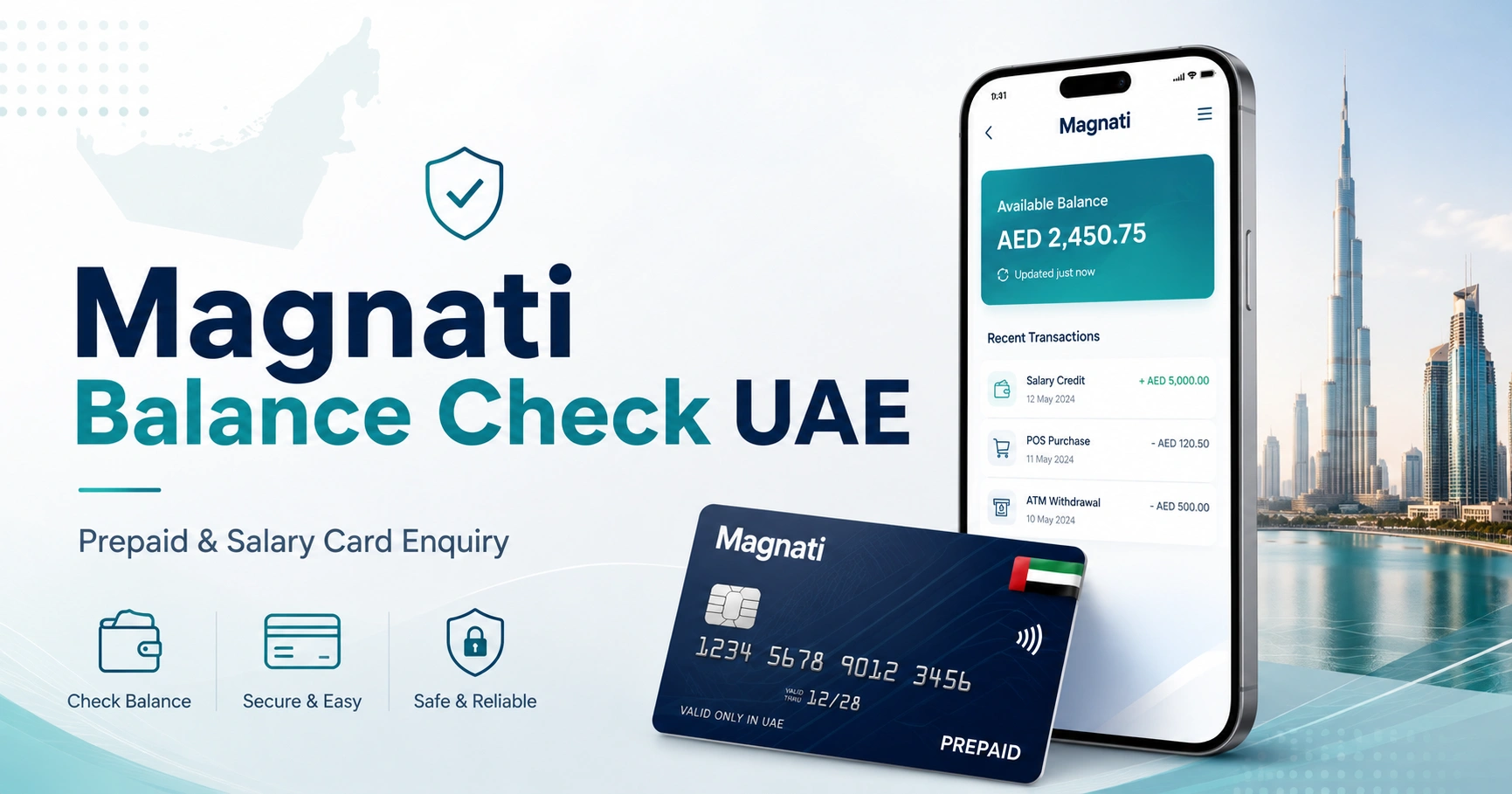
Magnati Balance Check UAE: Prepaid & Salary Card Enquiry
If your prepaid or salary card uses Magnati’s card-processing system, the quickest way to check the available balance is through the official Magnati Prepaid Card Enquiry portal.
The current enquiry form asks for the last four digits of your card number, Card ID, and captcha verification. You do not need to sign in to FAB Mobile or enter a regular bank-account username and password.
Not every UAE salary card uses Magnati. Check your card documents, employer instructions, or issuer information before entering card details into any balance enquiry portal.
How to Check Your Magnati Balance Online
For an eligible prepaid card, follow these steps:
- Open the official Magnati Prepaid Card Enquiry portal.
- Enter the last four digits of your card number in the first field.
- Enter your Card ID in the second field.
- Type the characters shown in the captcha.
- Select Go.
- Review the card information and available balance displayed by the official system.
Before entering anything, check that your browser is on ppc.magnati.com and that the connection uses HTTPS.
What Details Do You Need?
The current opening screen asks for:
- Last 4 digits of the card number
- Card ID
- Captcha code
The Card ID is not your ATM PIN, CVV, employee number, bank account number, or Emirates ID.
If you are unsure which number on your card is the Card ID, do not guess repeatedly. Check the documentation supplied with the card or ask the issuer or your employer’s payroll team.
Magnati Balance Check Methods
| Method | What you normally need | Best for |
|---|---|---|
| Magnati PPC enquiry portal | Last 4 card digits, Card ID, captcha | Eligible prepaid cards |
| ATM | Physical card and PIN | Checking without the online portal |
| Employer or card issuer | Card or employment details requested by them | Missing salary or card-programme questions |
| Magnati/FAB support | Verification information | Blocked cards, errors or disputed transactions |
The online portal should normally be your first option when your card provider specifically directs you to Magnati.
Which Cards Can Use the Magnati Enquiry Portal?
Magnati provides payment and card-processing solutions for several prepaid card programmes in the UAE. Its consumer solutions include payroll and other prepaid products.
However, the existence of a prepaid or salary card does not automatically mean it can be checked through the PPC portal.
Use the portal when the instructions supplied with your card, your employer, Magnati, or FAB direct you there.
One important example is Ratibi. FAB’s official Ratibi page provides a prepaid-card balance enquiry option for existing cardholders.
If you specifically have Ratibi, the dedicated ratibi card salary check guide explains the balance process and the distinction between a payroll card and a normal bank account.
Magnati and Ratibi: What Is the Connection?
Ratibi is a payroll prepaid-card solution used to pay qualifying employees without requiring them to maintain a conventional bank account.
FAB describes Ratibi as a salary payroll solution and directs existing cardholders to a prepaid-card balance enquiry service. Magnati also lists Ratibi among its consumer prepaid solutions.
This distinction matters because someone receiving a salary on Ratibi should not automatically follow the instructions intended for a regular FAB savings or current account.
You can also start from the official FAB Ratibi page if you want to verify that you are using the correct balance-enquiry route.
Magnati Balance Check vs FAB Bank Balance Check
A Magnati prepaid card and a normal FAB bank account are not the same thing.
For an eligible Magnati or Ratibi prepaid card, the PPC enquiry portal may be the correct online balance method. A standard FAB account holder usually manages an account through FAB’s normal banking channels instead.
If your salary goes directly into a FAB savings or current account, see the fab bank balance check guide rather than trying prepaid-card credentials on the Magnati page.
This is one of the most common causes of confusion because FAB, Ratibi and Magnati can appear together in searches even though the products and enquiry methods are different.
Is Magnati the Same as NBAD?
No. Magnati is not another name for National Bank of Abu Dhabi.
National Bank of Abu Dhabi and First Gulf Bank merged in 2017 to form First Abu Dhabi Bank. Magnati is a payments business associated with card acquiring, processing, prepaid solutions and other payment services.
Older search terms such as NBAD prepaid balance enquiry still appear because some cardholders became familiar with the service before or around the transition to FAB.
If you are trying to determine the correct method for an older NBAD-related card or account, the nbad bank balance check guide explains the current FAB context.
Can You Check a Magnati Card Balance at an ATM?
An ATM may provide another balance-enquiry option when the specific prepaid card supports ATM access.
The general process is:
- Insert the card into a compatible ATM.
- Select your language.
- Enter your PIN privately.
- Choose Balance Inquiry or the equivalent menu option.
- View the available balance.
- Take your card before leaving the ATM.
ATM functionality depends on the prepaid-card programme. Some cards have different cash withdrawal and ATM permissions, so do not assume every Magnati-processed card has identical features.
A fee may also apply depending on the card and ATM network. Review any charge displayed before confirming the transaction.
For a broader explanation of checking UAE cards through cash machines, see the atm balance check guide.
Why Is My Magnati Balance Check Not Working?
A failed enquiry does not necessarily mean that there is a problem with your salary. Start by checking the information entered on the official portal.
Incorrect Card Digits
The live Magnati enquiry form asks for the last four digits of the card number.
Enter the final four numbers exactly as printed on the active card. Do not use the first four digits or an employee identification number.
Wrong Card ID
Card ID and card number are separate fields.
Do not substitute your PIN, CVV, Emirates ID number or payroll employee number unless the official provider specifically tells you to use that information through another service.
Captcha Error
Captcha characters can sometimes be difficult to read. Refresh the verification image and enter the new code if necessary.
The Card Is Not Supported
Not every UAE prepaid or payroll card runs through the same system.
For example, LuLu and Al Ansari payroll products have their own card services. If your card is issued through one of those providers, use the appropriate lulu salary check or al ansari balance check instructions instead of entering the card into unrelated portals.
Card Is Expired, Replaced or Inactive
Details belonging to a cancelled or replaced card may no longer work.
Use the active replacement card and the instructions supplied by the provider. For a newly issued card, complete any activation or PIN setup required by the issuer first.
Temporary Website Problem
If the genuine Magnati page is temporarily unavailable, avoid switching to an unfamiliar website that promises to retrieve the balance.
Try the official portal again later, use an authorised ATM if your card supports it, or contact the provider through verified channels.
Salary Credited vs Available Card Balance
Your salary amount and your current available card balance are not necessarily identical.
For example, an employer might deposit AED 2,500, but the available balance can later be lower after ATM withdrawals, purchases or other completed card transactions. Funds remaining from an earlier period can also make the available balance higher than the latest salary credit.
This is why a balance enquiry should be interpreted as the amount currently available on the card, not automatically as confirmation of the exact salary your employer submitted.
For a broader explanation covering different payroll providers, see salary check uae balance enquiry.
What to Do If Your Salary Is Missing
First determine whether the problem concerns payroll or the card itself.
Contact your employer or payroll department when:
- Your expected salary has not been credited.
- Colleagues were paid but your card was not.
- Your employer needs to confirm whether the payroll file was submitted.
- Your employment or card details may be incorrect.
- You have not received a required replacement card.
- Your employer is responsible for initiating a card-related request.
Contact the card provider when:
- The employer confirms the payment was successfully processed but the balance remains wrong.
- Your card is blocked.
- An ATM retains the card.
- You see a transaction you do not recognise.
- The same payment appears to have been deducted more than once.
- Your card has been lost or stolen.
- You have a PIN or card-status problem.
Keeping these issues separate can save time. The card processor cannot credit a salary that an employer has not successfully submitted, while an employer may not be able to resolve a technical card or transaction problem.
Magnati Customer Support
Magnati’s official website currently lists the following general contact numbers:
- Within the UAE: 600 52 5500
- Outside the UAE: +971 2 681 1511
For current support information, use the official Magnati website rather than relying on a telephone number copied from an old third-party article.
Keep your card nearby if support needs to verify your account, but never give another person your ATM PIN, online banking password or OTP.
Does Magnati Have a Balance Check App?
There is no reason to install an app simply because you want to use the Magnati PPC balance enquiry page. The official browser-based card enquiry service is available directly through the PPC portal for supported cards.
Magnati provides several payment products and platforms, so an application relevant to one programme should not be assumed to support every prepaid card.
If your employer or card provider instructs you to install an app, follow the official link supplied by that organisation and verify the developer before signing in.
Protect Your Salary Card Details
Balance-check searches attract unofficial websites that may imitate financial-service pages. Cardholders should be especially careful because salary and prepaid cards contain information that can be misused.
For a Magnati online enquiry:
- Check that the address is ppc.magnati.com.
- Enter information only on the genuine service page.
- Never give anyone your ATM PIN.
- Do not disclose an OTP to a caller or website operator.
- Do not enter your CVV simply to perform a balance enquiry.
- Avoid links sent through suspicious SMS, WhatsApp or email messages.
- Do not send photographs of both sides of your card.
- Be cautious when using shared computers or public Wi-Fi.
- Report an unrecognised transaction or lost card through an official support channel promptly.
An informational website can explain how it works, but it cannot retrieve your private card balance. Your card information should be entered only into the authorised service intended for your card.
Frequently Asked Questions
What is the official Magnati balance check website?
For supported prepaid cards, use the official Magnati Prepaid Card Enquiry portal at ppc.magnati.com. The current form asks for the last four digits of the card number, Card ID and captcha.
How many card digits do I enter for a Magnati balance enquiry?
The current official form is labelled Last 4 digits of Card No, so enter the final four digits of the card number. Some older or third-party instructions state two digits, but that does not match the current live enquiry form.
Do I need my full card number?
The opening screen of the current PPC enquiry service does not request the full card number. It asks for the last four digits and Card ID.
Is Card ID the same as my ATM PIN?
No. Card ID is an identifier used by the prepaid-card system, while your PIN is confidential authentication information used for card transactions. Never enter your ATM PIN into a Card ID field.
Can I check my Ratibi salary through Magnati?
Eligible Ratibi cardholders are directed by FAB to a prepaid-card balance enquiry service. Using the official FAB Ratibi page is a useful way to confirm you are following the correct route for your card.
Can I use the Magnati portal for any UAE salary card?
No. UAE salary-card providers use different systems. Confirm your card programme before entering details. A LuLu, Al Ansari or another provider’s payroll card may require its own app, portal, ATM or support channel.
Why does my balance not match my salary?
The balance reflects funds currently available on the card. Purchases, ATM withdrawals, earlier funds, refunds and other card activity can make it different from the amount of your latest salary credit.
What should I do if the portal does not recognise my card?
Recheck the last four card digits, Card ID and captcha. If the information is correct, confirm with your employer or card provider that your particular card uses the Magnati PPC enquiry service. Do not keep entering additional personal information into unrelated websites.