Ratibi Card Salary Check Online: FAB Salary Balance Enquiry
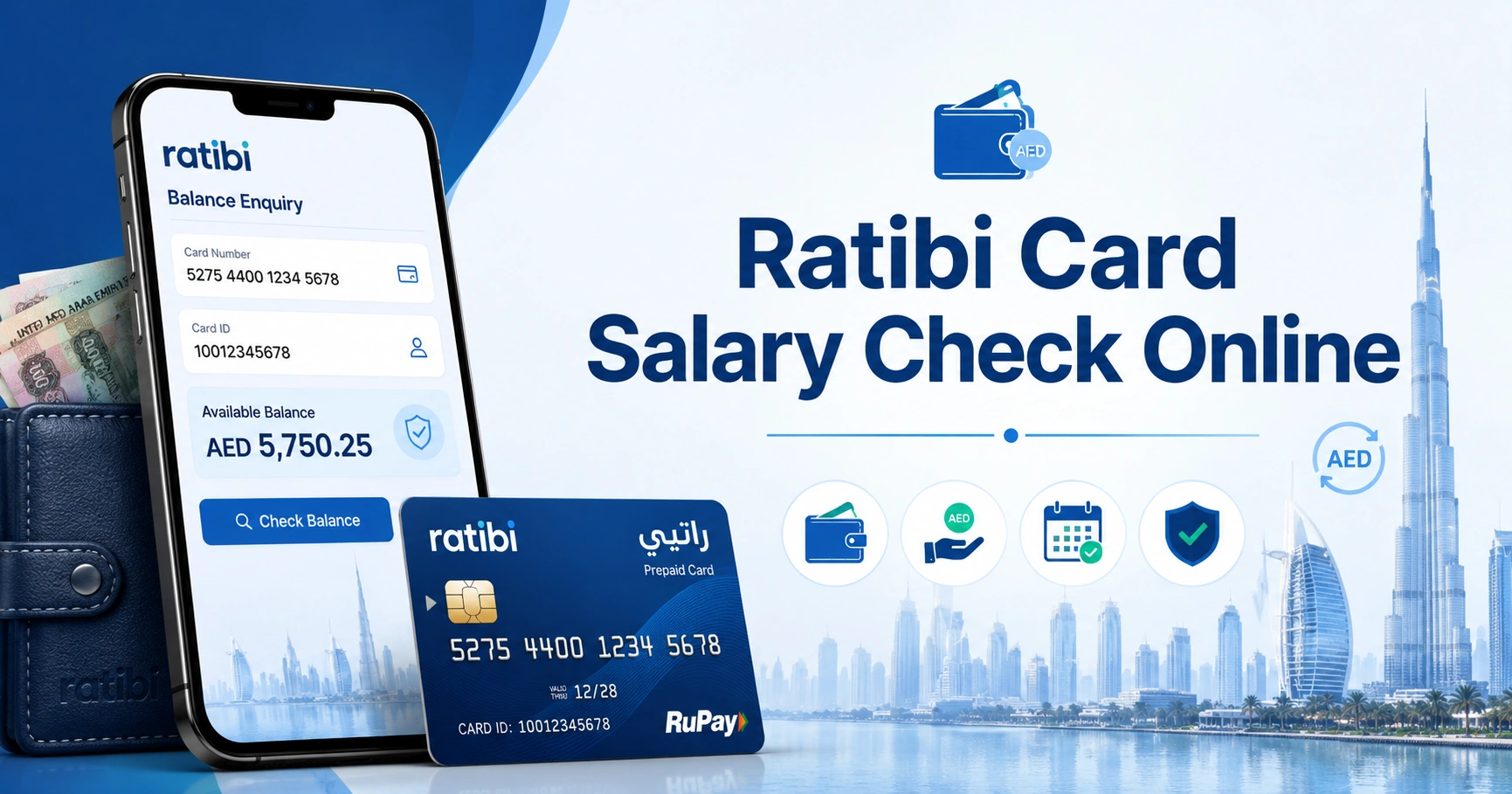
A Ratibi card salary check can be completed online through the official FAB-linked prepaid card enquiry portal operated on Magnati’s domain. You need the last four digits of your Ratibi card number, your Card ID, and the captcha shown on the page.
The portal displays the available balance on your prepaid card, which is the simplest way to confirm whether a salary payment has been credited when you know what your previous balance was.
How to Check Ratibi Card Salary Online
FAB provides a dedicated balance enquiry link for existing Ratibi cardholders rather than requiring them to sign in to a normal bank account.
Follow these steps:
- Open the official Ratibi Prepaid Card Balance Enquiry.
- Enter the last four digits of your card number.
- Enter the Card ID associated with your Ratibi card.
- Type the captcha displayed on the screen.
- Select Go.
- Review the available balance shown for your prepaid card.
The enquiry page is hosted at ppc.magnati.com, and FAB links directly to this service from its official Ratibi product page.
What You Need for the Online Balance Enquiry
Have your Ratibi card available before opening the portal.
The current enquiry page asks for:
- Last four digits of the card number
- Card ID
- Captcha verification
The card number and Card ID are different details, so entering the card number again in the Card ID field may result in an unsuccessful enquiry.
The portal does not ask you to sign in to a standard FAB current or savings account.
Ratibi Salary Check and Balance Check Are Closely Related
There is an important distinction between checking your card balance and confirming a particular salary payment.
The online enquiry shows the money currently available on the card. If your balance increases by the amount you were expecting from your employer, that normally indicates that the salary has been loaded.
FAB also states that Ratibi cardholders receive free SMS alerts whenever a salary is credited. That notification can be more useful than repeatedly checking your balance while waiting for payday.
If you need information about salary-card enquiries beyond Ratibi, see the salary check UAE balance enquiry guide.
What Is a Ratibi Card?
Ratibi is a prepaid payroll card from First Abu Dhabi Bank (FAB) that allows eligible UAE employees to receive wages without opening a conventional bank account.
According to FAB, Ratibi is designed for employees earning up to AED 5,000. The employee receives salary directly on the prepaid card and can then use the available funds for purchases and cash withdrawals.
FAB currently highlights several Ratibi features:
- No bank account is required
- No minimum balance requirement
- No monthly charges for cardholders
- SMS notification when salary is credited
- ATM access
- In-store and supported online payments
- 24/7 Ratibi customer support
- Salary processing compatible with UAE Wages Protection System requirements
Employees must be UAE residents and have complete, up-to-date KYC information for Ratibi eligibility.
More product information is available on the official FAB Ratibi Prepaid Card page.
Other Ways to Check a Ratibi Card Balance
The official online portal is generally the most direct option because it is specifically linked by FAB for existing Ratibi cardholders.
An ATM can also be useful when you do not have your Card ID or cannot access the enquiry page.
Check Your Ratibi Balance at an ATM
FAB confirms that Ratibi cards can be used at ATMs.
To check the available amount:
- Insert your Ratibi card into the ATM.
- Select your preferred language.
- Enter your PIN.
- Choose the balance enquiry option.
- View the available balance on screen.
If offered, you may also be able to print a receipt.
Using an ATM is particularly useful if you have the physical card and PIN but cannot complete the online enquiry. For more general guidance on different UAE bank and salary cards, see atm balance check.
Be aware that using another bank’s ATM may be subject to the ATM operator’s applicable charges. Check the screen for any fee notice before confirming the transaction.
Use the Salary Credit SMS Alert
Ratibi includes free SMS alerts for salary credits according to FAB.
This means you may receive a message when your employer’s salary payment reaches the card. Keeping the mobile number associated with your card records up to date is therefore useful.
A salary credit alert is different from an on-demand balance enquiry. The alert confirms a credit, while the online portal or ATM allows you to check how much money is currently available.
Ratibi Is Not the Same as a Normal FAB Bank Account
A common source of confusion is treating a Ratibi prepaid card as if it were a standard FAB debit card attached to a bank account.
Ratibi is a payroll prepaid product. Your employer loads salary onto the card and you spend or withdraw from the available prepaid balance.
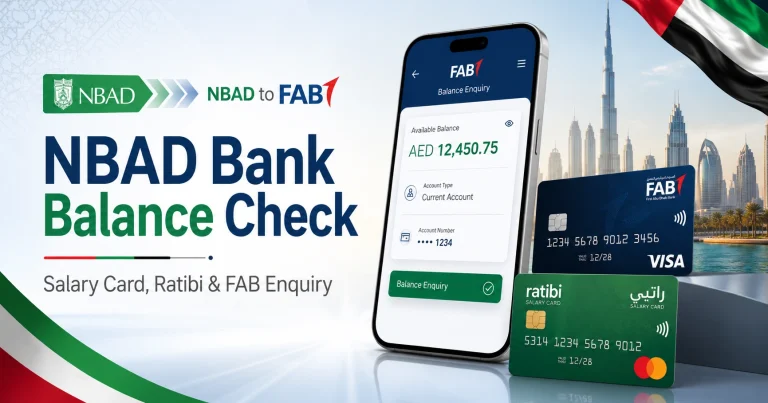
Someone with a normal FAB current or savings account should instead use FAB’s regular banking channels. See fab bank balance check if you are trying to check a conventional FAB account rather than a Ratibi salary card.
The distinction matters because logging into ordinary online banking is not the primary online balance-check method FAB publishes for existing Ratibi cardholders. FAB directs Ratibi users to its dedicated prepaid card enquiry service.
Why Does the Ratibi Balance Enquiry Open a Magnati Page?
Some cardholders become concerned when the balance link on FAB’s website opens a Magnati domain instead of staying on bankfab.com.
This is expected. The current FAB Ratibi page links its “Ratibi Prepaid Card Balance Enquiry” directly to the prepaid card enquiry at ppc.magnati.com.
The page itself is labelled Card Services – PrePaid Card Inquiry and carries First Abu Dhabi Bank identification.
If you encounter other prepaid salary cards using similar services, the magnati balance check guide explains this balance-enquiry system in more detail.
What to Do If Your Ratibi Salary Is Not Showing
A low or unchanged balance does not automatically mean the card itself has a problem.
First, confirm whether your employer has actually processed the salary. The Ratibi programme is employer-based, and FAB states that employers act as the point of contact between employees and the bank for relevant Ratibi administration.
If you expected a salary but it is not reflected:
- Check your SMS messages for a salary-credit notification.
- Check the balance again using the official online enquiry portal.
- Confirm the result through an ATM if necessary.
- Ask your employer or payroll/HR department whether the salary file has been submitted.
- Contact the official Ratibi support line if the employer confirms payment but there is still a card-related issue.
If the concern is a wider salary-payment problem rather than a card technical problem, keep records such as your employment details, expected payday and communications with your employer.
Ratibi Customer Care Numbers
FAB publishes dedicated contact numbers for Ratibi cardholders.
| Contact option | Number |
|---|---|
| Within the UAE | 600 522 298 |
| Outside the UAE | +971 2 499 6279 |
These numbers are more appropriate for Ratibi-specific problems than relying on phone numbers copied from old blogs or social media posts.
You can also use the official FAB Contact & Support page to verify current contact information.
What to Do If the Online Ratibi Balance Check Does Not Work
Most online enquiry problems can be narrowed down to the information entered or the availability of the service.
Check the Last Four Card Digits
The portal asks specifically for the last four digits of the card number. Do not enter the entire card number into this field.
Check the Card ID
Make sure you are entering the Card ID requested by the portal rather than assuming that the Card ID and payment card number are the same.
Enter a New Captcha
If the captcha is difficult to read or rejected, reload the verification image or page and enter the new characters carefully.
Try the ATM Method
If your card works normally but the web enquiry is unavailable, an ATM provides a practical alternative for viewing the current balance.
Contact Ratibi Support
For a blocked card, repeated enquiry failures or other card-specific problems, call 600 522 298 within the UAE.
What If the Card Is Retained by an ATM?
Do not assume that a Ratibi card retained by an ATM can simply be collected later.
FAB’s current Ratibi information states that cards confiscated by ATMs are destroyed by the receiving bank and that the employer must apply for a replacement card.
Contact your employer promptly if this happens. You can also contact Ratibi support for guidance about the card status.
Can You Withdraw Your Ratibi Salary in Cash?
Yes. FAB states that Ratibi cardholders can use the card at ATMs, as well as for purchases in stores and supported online transactions.
You therefore do not need to withdraw the entire salary immediately after receiving it. Funds can remain on the prepaid card and be used as required.
Checking the balance before making a withdrawal can also help avoid attempting to withdraw more than the available amount.
Ratibi and the UAE Wage Protection System
Ratibi supports salary payments through the UAE’s Wages Protection System (WPS).
WPS allows employers to process employee salaries electronically through approved financial channels. FAB states that its Ratibi salary-processing service complies with UAE Government WPS guidelines.
Ratibi is therefore more than a standard reloadable shopping card. Its primary purpose is payroll, although FAB also supports certain non-WPS salary-payment arrangements for employers.
Other salary-card providers operate their own systems and enquiry methods. For example, someone using a LuLu payroll product should follow the appropriate lulu salary check process rather than entering those card details into a Ratibi enquiry page.
Similarly, users of Al Ansari salary-card services should use the relevant provider channels described in the al ansari balance check guide.
Keep Your Ratibi Card Details Safe
The official online enquiry requires card-related information, so make sure you are on the correct website before entering anything.
FAB currently sends Ratibi users to:
ppc.magnati.com/ppc-inquiry/
For safer use:
- Open the enquiry through FAB’s official Ratibi page if you are unsure about a link.
- Check the domain carefully before entering card information.
- Never disclose your PIN to a website or another person.
- Never give an OTP to someone who contacts you unexpectedly.
- Avoid salary-check links received from unknown WhatsApp numbers, text messages or emails.
- Do not enter card details into third-party websites that claim they can retrieve your Ratibi balance.
An informational website can explain how the process works, but your actual salary-card enquiry should take place through FAB’s official channel.
Frequently Asked Questions
How can I check my Ratibi card salary online?
Use the official Ratibi Prepaid Card Balance Enquiry. Enter the last four digits of your card number, your Card ID and the captcha, then select Go to view the available card balance.
How do I know whether my salary has been credited to Ratibi?
FAB provides free SMS alerts when salary is credited. You can also check your current available balance through the official prepaid card enquiry portal or an ATM.
What details are required for a Ratibi balance check?
The current online enquiry asks for the last four digits of the card number, Card ID and captcha. It does not require you to sign in to a standard FAB bank account.
Is the Magnati prepaid card enquiry official for Ratibi?
Yes. FAB’s official Ratibi product page currently links its Prepaid Card Balance Enquiry directly to the ppc.magnati.com portal.
What is the official Ratibi customer service number?
FAB currently lists 600 522 298 for Ratibi service within the UAE and +971 2 499 6279 for customers calling from outside the UAE.
Can I check my Ratibi balance at an ATM?
Yes. Insert the card, enter your PIN and select the balance enquiry option. FAB confirms that Ratibi cards have ATM access.
Do I need a FAB bank account to use Ratibi?
No. Ratibi is specifically designed to allow eligible employees to receive salary on a prepaid card without needing a traditional bank account.
Who should I contact if my salary has not reached my Ratibi card?
Start with your employer or payroll department to confirm that the salary was processed. If the employer confirms the payment and you believe there is a card or crediting problem, contact FAB’s dedicated Ratibi support service at 600 522 298.