FAB Bank Balance Check: Online PPC Salary Enquiry 2026
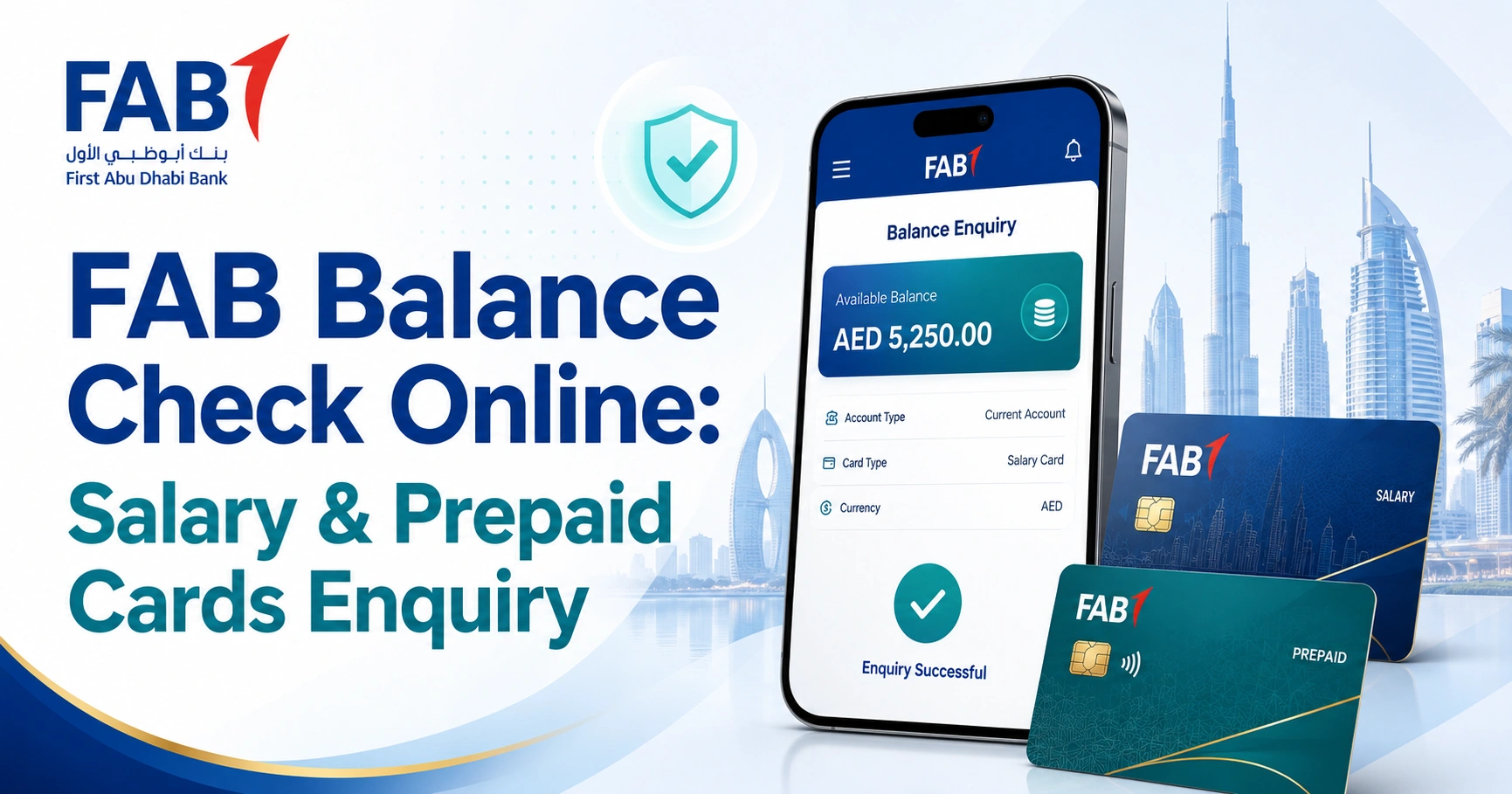
A FAB balance can be checked online in a few different ways, but the correct method depends on what you hold. Regular First Abu Dhabi Bank account holders should use FAB Mobile or Online Banking, while holders of eligible prepaid cards can use the official prepaid card enquiry portal linked by FAB and operated through Magnati.
If you have a FAB prepaid or salary-related card, start with the prepaid card method below. If you have a normal current or savings account with a FAB debit card, skip to the Mobile or Online Banking section.
FAB Prepaid Card Balance Check on the Official Website
For supported FAB prepaid cards, the quickest browser-based method is the official prepaid card balance enquiry portal.
FAB’s Payment Prepaid Card service directs cardholders to this Magnati-hosted portal for online balance enquiries. The enquiry screen asks for the last four digits of the card number, the Card ID and a captcha.
How to Check Your FAB Prepaid Card Balance Online
- Open the official Prepaid Card Enquiry portal.
- Enter the last four digits of your card number.
- Enter the Card ID associated with the prepaid card.
- Type the captcha displayed on the page.
- Select Go.
- Follow any additional verification displayed by the portal to access the card information.
The important point is that this portal is intended for eligible prepaid cards. It is not the login page for an ordinary FAB current or savings account.
Which FAB Balance Check Method Should You Use?
| What you have | Best method | What you normally need |
|---|---|---|
| Current account | FAB Mobile | Registered FAB Mobile access |
| Savings account | FAB Online Banking | Online Banking credentials and required authentication |
| Eligible prepaid card | Magnati prepaid enquiry portal | Last 4 card digits, Card ID and captcha |
| Debit card | FAB ATM | Physical card and PIN |
| Ratibi salary card | Ratibi-specific services | Depends on the enquiry channel |
The distinction matters because a prepaid card can exist without a conventional FAB bank account. They offers several prepaid products designed for different payment and payroll purposes.
Check a FAB Account Balance Using FAB Mobile
For customers with a regular FAB bank account, FAB Mobile is one of the most practical official options. The app allows customers to manage accounts and cards, check balances and review transaction information.
Steps
- Open FAB Mobile on your registered device.
- Sign in using your configured authentication method.
- Open the relevant account from the home screen or Accounts section.
- Your available account information and balance should appear with the account.
- Open the account if you need transaction details or additional account information.
FAB also provides account-balance and transaction-history services through its mobile banking platform.
Download the Official FAB Mobile App
Use only the application published by First Abu Dhabi Bank.
Android: FAB Mobile on Google Play
iPhone: FAB Mobile on the Apple App Store
Avoid downloading FAB applications from APK websites or unfamiliar third-party download pages.
Registering FAB Mobile for the First Time
Existing customers registering the app may be asked for their customer number or eligible FAB card information.
Identity verification may also be required during registration, depending on the customer’s account and current FAB onboarding process.
Always complete registration through the official FAB Mobile application.
Check Your Balance Through FAB Online Banking
Customers who prefer a computer can use FAB Personal Online Banking.
The official login service is hosted on the online.bankfab.com domain. Access Online Banking directly rather than signing in through links received in unfamiliar emails, messages or social-media posts.
How to Check
- Open FAB Personal Online Banking.
- Enter your Online Banking username and password.
- Complete the required authentication.
- Open your account information after signing in.
- Select the relevant account to review its balance and transactions.
Depending on your security settings and the action being performed, you may be asked to approve authentication through FAB Mobile.
If you have never registered for Online Banking, use the registration option displayed on the official FAB banking platform rather than providing banking details to a third-party balance-check website.
FAB Balance Check at an ATM
An ATM is useful when mobile or online banking is unavailable.
With a FAB debit card, insert or tap the card at a compatible ATM, enter your PIN and select the balance-enquiry option shown on the machine. The exact menu wording can vary between ATMs.
For more information about checking balances through cash machines in the UAE, see the atm balance check guide.
Avoid accepting help from strangers while entering your PIN. If an ATM retains your card or anything about the machine appears unusual, contact the bank using an official customer-service channel.
FAB Bank Account and FAB Prepaid Card Are Not the Same
One reason FAB balance searches become confusing is that several different products are often described simply as a “FAB card.”
A regular FAB debit card is normally connected to a bank account. Its balance is therefore the balance of the underlying account, which is best viewed through FAB Mobile, Online Banking or an ATM.
A prepaid card holds funds through a prepaid arrangement and may not require a conventional bank account. FAB offers prepaid products for payroll, payments and other purposes.
This is why the Magnati prepaid enquiry page should not be treated as a universal FAB bank-account login.
Is the Magnati PPC Portal Really Related to FAB?
Yes. FAB directs eligible prepaid-card holders to the Magnati-hosted prepaid card enquiry portal for supported products.
The portal is labelled as a prepaid card enquiry service and is separate from normal FAB Online Banking.
Magnati handles payment and prepaid-card infrastructure associated with these services, which is why someone searching for a FAB prepaid card balance may be directed to a Magnati domain rather than a standard FAB banking page.
If your card belongs to one of these prepaid arrangements, the magnati balance check guide explains that enquiry route in more detail.
What About Ratibi Salary Cards?
Ratibi is a FAB payroll card solution rather than a standard current or savings account. It allows eligible employees to receive salary through a payroll card without necessarily maintaining a conventional bank account.
Do not assume that the login procedure for an ordinary FAB account applies to a Ratibi card.
For card-specific instructions, use the ratibi card salary check guide.
If your Ratibi card is not working or you cannot access the relevant balance service, use FAB’s official support channels for assistance.
What If You Still Call It an NBAD Account?
First Abu Dhabi Bank was created following the merger of First Gulf Bank and National Bank of Abu Dhabi, so older cards, documents, saved bookmarks or search habits may still lead customers to search for an “NBAD balance check.”
For current UAE personal banking, use FAB’s current official channels rather than relying on an old NBAD login page or an unfamiliar website claiming to provide NBAD account access.
If that is the terminology you are familiar with, the nbad bank balance check guide explains the relationship and the appropriate current enquiry options.
Salary Balance Checks Depend on the Card Provider
Not every UAE salary card is issued or serviced through the same system. A worker receiving wages through Ratibi, LuLu Exchange, Al Ansari Exchange or another WPS-linked arrangement may need a completely different balance-enquiry method.
If you are unsure which card you have, check the issuer and product name printed on the card before entering information online.
The salary check uae balance enquiry guide provides a broader overview of salary-balance methods in the UAE.
For example, LuLu salary-card holders should follow the balance service applicable to their own card rather than trying to sign in through FAB Online Banking. See the lulu salary check guide for that separate process.
Similarly, cards provided through Al Ansari Exchange use their own relevant services. The al ansari balance check guide covers those options separately.
What to Do If the FAB Balance Is Not Showing
A failed enquiry does not necessarily mean there is a problem with the account or card.
Check That You Are Using the Right Service
If the Magnati portal asks for a Card ID and the last four card digits, you are using a prepaid-card enquiry service.
Do not try to use it as a normal FAB Online Banking login.
Update FAB Mobile
If FAB Mobile is not working correctly, check whether a newer version of the official app is available through Google Play or the Apple App Store.
Restarting the app or your phone may also resolve temporary issues.
Check FAB’s Service Status
FAB maintains an official service status page where customers can check the availability of digital banking services.
This can help determine whether the problem is related to a wider service interruption rather than your individual account or device.
Use Another Official Channel
If the application is temporarily unavailable, try FAB Online Banking or an ATM where appropriate.
Do not move from one unfamiliar “balance checker” website to another in an attempt to access the account.
Contact FAB
If you still cannot check your balance, use the official FAB contact page to find the appropriate customer-service channel for your account or card.
FAB has different support options for regular banking customers and certain specialised prepaid or payroll products, so using the current contact page is safer than relying on an old phone number copied from another website.
Protect Your FAB Account and Card Details
Balance checks involve sensitive financial information, so always check the website domain before entering anything.
For regular internet banking, the official FAB Online Banking service uses the online.bankfab.com domain. Eligible prepaid-card enquiries may use the Magnati-hosted PPC portal linked through FAB.
Keep these security rules in mind:
- Never give your PIN, password or OTP to someone who calls or messages you.
- Do not approve a FAB Mobile transaction that you did not initiate.
- Avoid entering card details through links received in suspicious messages.
- Check the website domain before providing financial information.
- Do not install unofficial FAB apps or APK files.
- Never provide your complete banking credentials to a third-party balance-check website.
- Contact FAB through its official website if you are unsure whether a message or link is genuine.
An informational website can explain how a balance enquiry works, but sensitive banking information should only be entered into the relevant official service.
Frequently Asked Questions
How can I check my FAB bank balance online?
For a regular current or savings account, sign in through FAB Mobile or FAB Personal Online Banking. Eligible prepaid-card holders may instead use the official Magnati-hosted prepaid card enquiry portal.
What is the official FAB prepaid card balance check website?
For supported FAB prepaid cards, the balance enquiry service is available through the Magnati prepaid card enquiry portal.
The page asks for information such as the last four digits of the card number and Card ID.
Do I need my full card number for the prepaid enquiry portal?
The prepaid enquiry portal asks for the last four digits of the card number, rather than requiring the entire card number in the initial enquiry form. It also requires the relevant Card ID and captcha.
Can I check a regular FAB account on the Magnati portal?
No. The Magnati PPC page is designed for supported prepaid-card enquiries. A standard FAB current or savings account should normally be accessed through FAB Mobile, Online Banking or another official banking channel.
Can I see my FAB Account balance without visiting a branch?
Yes. Most customers do not need to visit a branch simply to view their balance. Regular account holders can use FAB Mobile, Online Banking or an ATM, while eligible prepaid-card holders may have access to the separate online prepaid enquiry service.
Why is my FAB Bank balance enquiry not working?
First confirm that you are using the correct service for your particular account or card. Update FAB Mobile if necessary, check FAB’s service-status page and try another official channel if one service is temporarily unavailable.
Can I check my FAB Bank balance from outside the UAE?
Registered customers can generally use FAB’s digital banking services while abroad when they have internet access and can complete the required security authentication.
For account-specific problems outside the UAE, use the contact information provided on FAB’s official contact page.